The onboarding wizard
此内容尚不支持你的语言。
The first time you sign in, Entergram runs a short setup wizard before the main app. It tailors the product to how you work and ends by connecting your first Telegram account. Every field saves as you go, and finishing the wizard drops you on the home screen with the 3-day Pro trial active.
-

Discovery — tell us how you found Entergram.
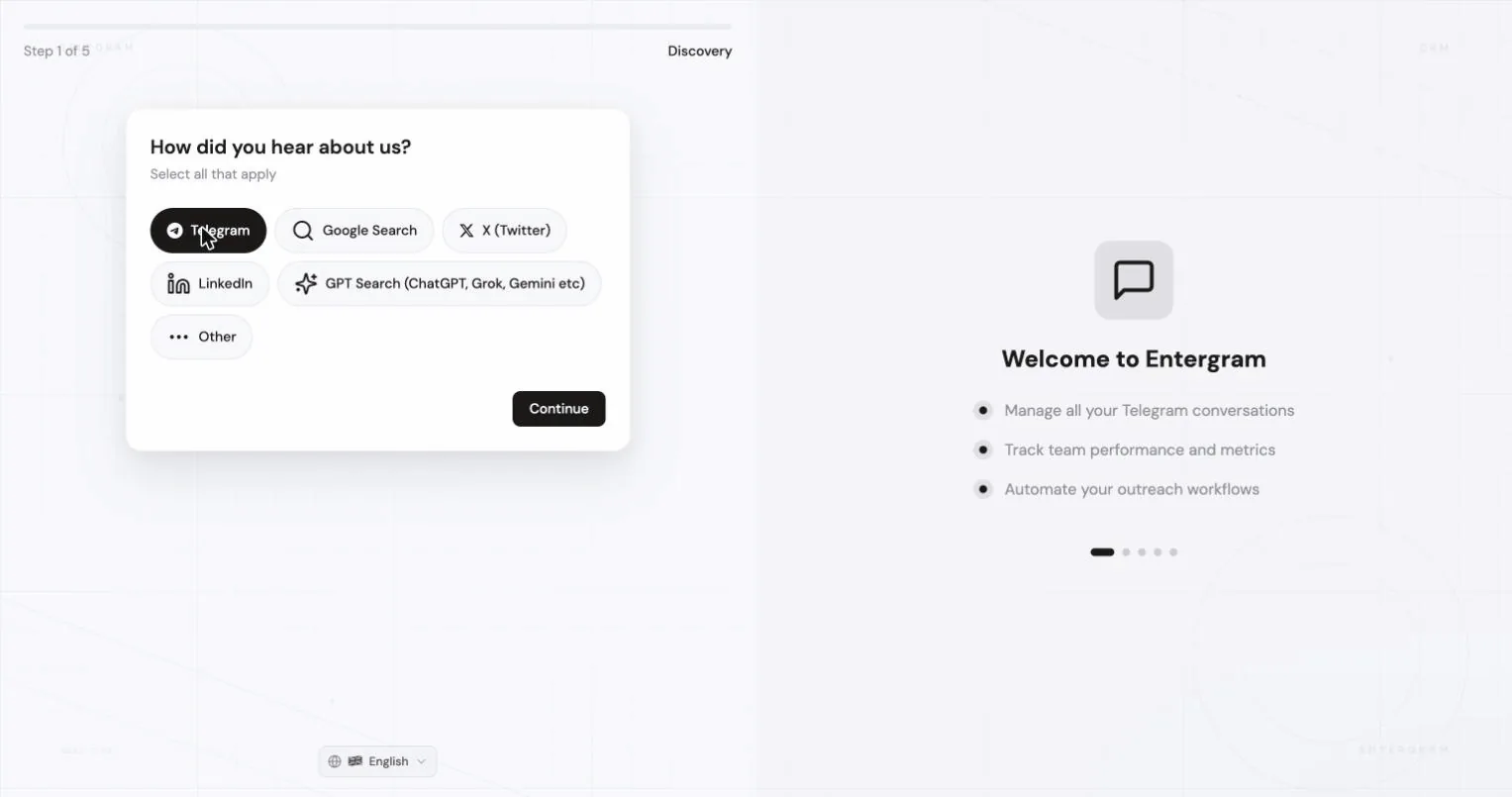

-
Role — pick what you do (SDR/BDR, Marketing, Sales Leadership, Founder/CEO, Operations, IT/Automation, Customer Success, Community Manager, or Other).
-
Use cases — choose what you’ll use Entergram for (client management, analytics, group management, broadcasting, outreach, customer support, and optional integrations). Pick as many as apply.
-

Organization — name your workspace and optionally add your company website, usage type, an invite link if you were invited to a team, and a referral code.
-
Connect Telegram — link your first account with QR or phone + code. This is the same flow described in Connect a Telegram account.
-
Done — you land on the home screen with the 3-day Pro trial active.
Details & edge cases
Section titled “Details & edge cases”- Book a call — some deployments add an optional Calendly step; skip it if you prefer to explore on your own.
- Everything saves incrementally, so you can close the tab and resume where you left off.
- The Pro trial auto-starts the moment you connect your first Telegram account — there’s no card required to begin. See Plans, trial & billing.
Troubleshooting
Section titled “Troubleshooting”- Stuck on a step / a field won’t accept input — refresh the page; your prior answers are saved and you’ll resume at the same step.
- Trial didn’t start — the trial begins at the Connect Telegram step, so make sure an account actually finished connecting.