Sign up & sign in
此内容尚不支持你的语言。
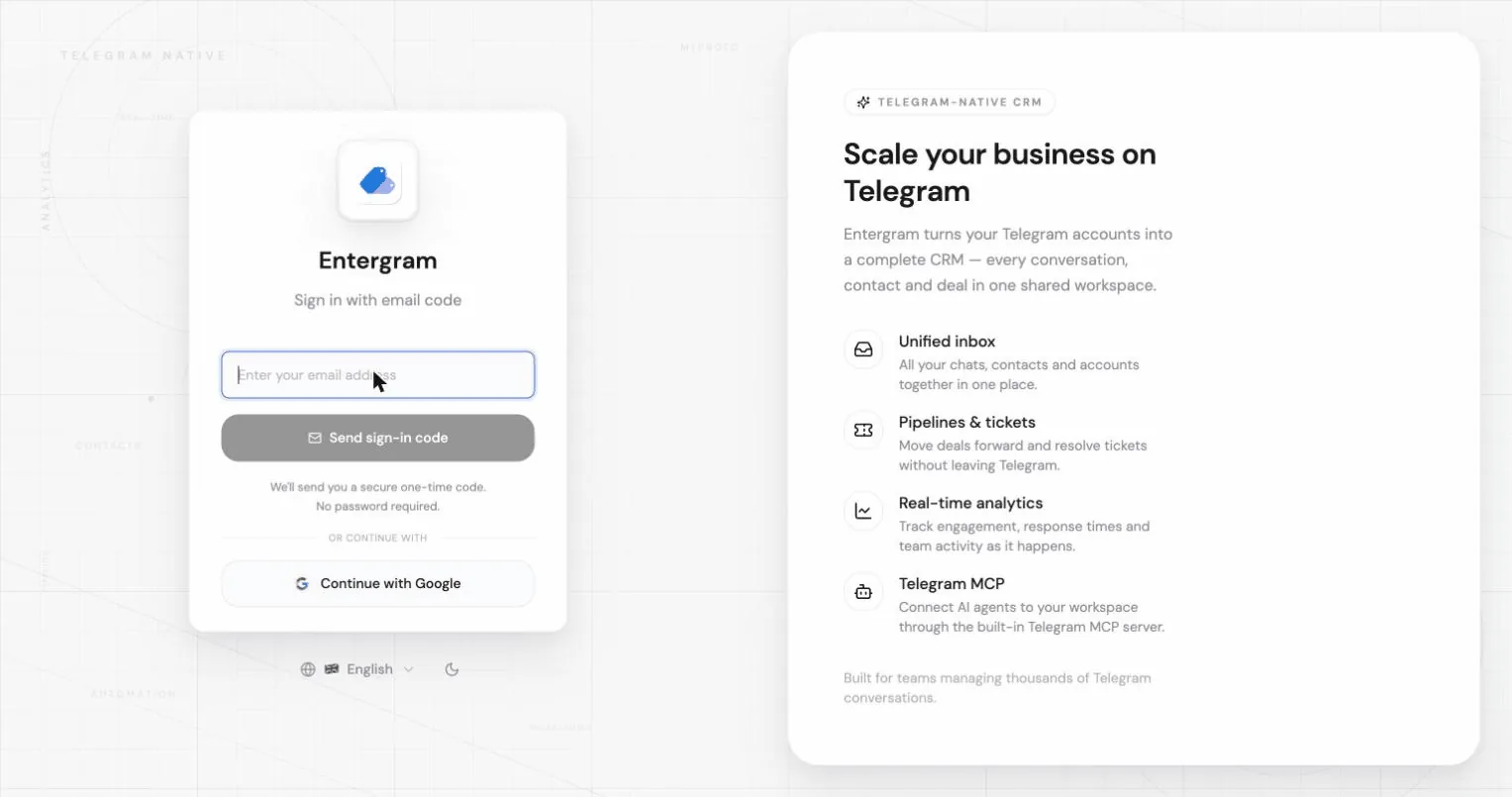
Entergram has no password to remember. You sign in either with a one-time magic link sent to your email, or with your Google account. The same screen handles both signing up the first time and signing back in later. You’ll end up on the Entergram home screen with your session active.
Sign in with a magic link
Section titled “Sign in with a magic link”-
Go to app.entergram.com and enter your email, or choose “Continue with Google”.
-
Open the email Entergram just sent you and click the sign-in link. It’s a one-time link — clicking it signs you in on this device.
-

You’re in. First-time users land on the onboarding wizard; returning users land on the home screen.
Sign in with Google
Section titled “Sign in with Google”- Click “Continue with Google” on the sign-in screen.
- Pick your Google account in the standard Google prompt and approve.
- You’re in — same destination as the magic-link flow.
Details & how it works
Section titled “Details & how it works”- Authentication is handled by Supabase. Your browser holds a secure session cookie, and every Entergram API call validates that session on the server.
- No password is ever set or stored, so there’s nothing to leak or reset.
- Referral links — if you arrived via
?ref=<code>, Entergram stores the code in a cookie for 30 days; your referrer gets credit once your signup completes.
Troubleshooting
Section titled “Troubleshooting”- The magic-link email didn’t arrive — check spam, confirm the address has no typo, and request a new link (each link is single-use and time-limited).
- “Link expired or already used” — magic links are one-time; just request a fresh one from the sign-in screen.
- Google sign-in popup blocked — allow pop-ups for
app.entergram.comand try again.