Change your profile, language, and appearance
Settings → Accounts → Your profile, account details used for your workspace and settings.
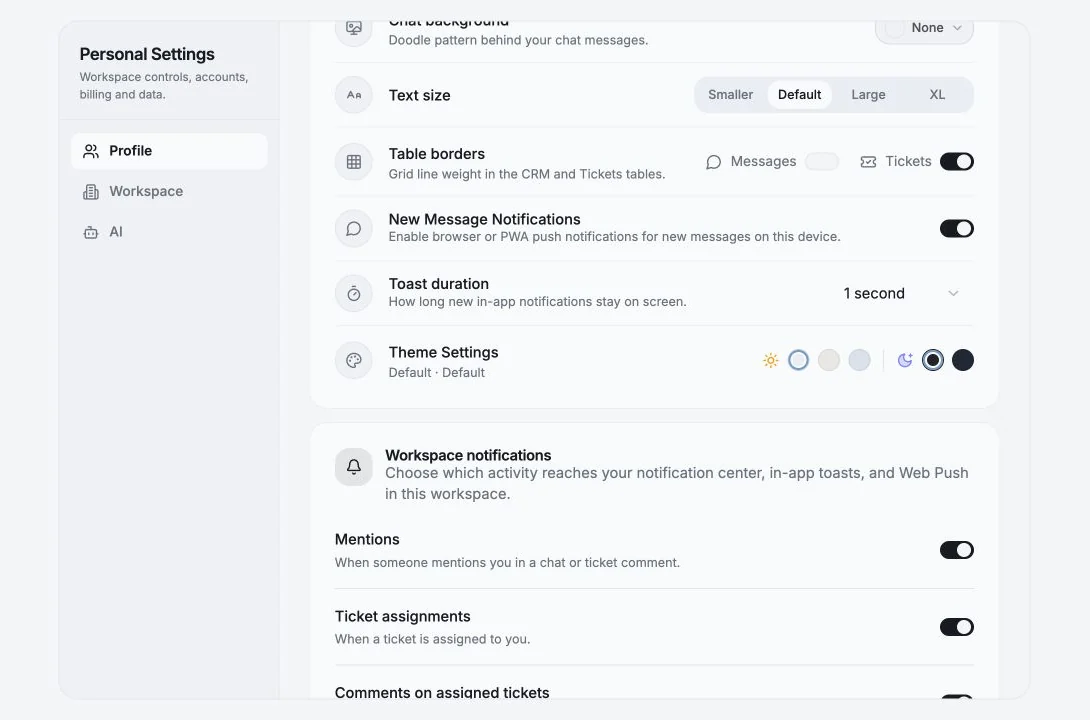
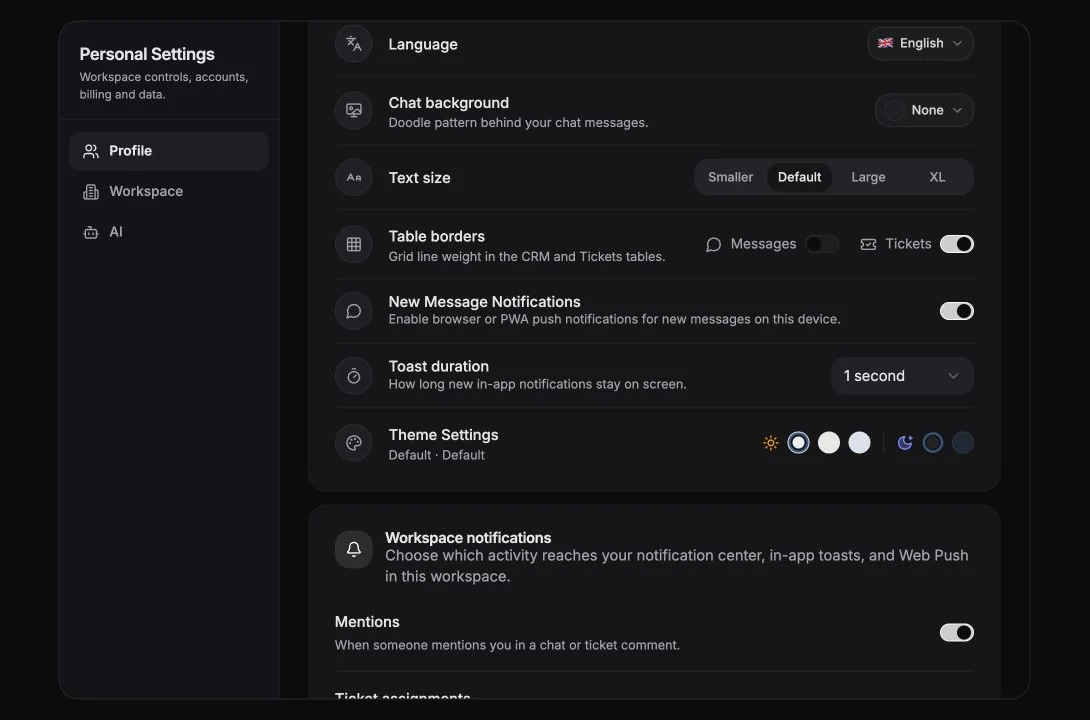
Profile
Section titled “Profile”| Field | Notes |
|---|---|
| Name | Click to change. “This name appears across your workspace and settings.” |
| Click to start a secure email change | |
| Signed in | When you signed in |
| Language | The app’s interface language |
Available interface languages include English, Español, Français, Deutsch, Русский, Português and 简体中文.
Appearance
Section titled “Appearance”Light Mode / Dark Mode, toggled from the sidebar footer or the login screen.
Text size
Section titled “Text size”Smaller, Default, Large, XL.
Table borders
Section titled “Table borders”Grid line weight in the CRM and Tickets tables, set independently for Messages and Tickets:
No borders · Light · Borders · Strong
If you spend all day scanning a wide table, Light or Borders usually reads best; No borders looks cleaner but makes row-tracking harder across many columns.
Chat background
Section titled “Chat background”Doodle pattern behind your chat messages: None, Doodles, Bubbles, Stars.
Referrals
Section titled “Referrals”Invite your friends, earn rewards when the people you invite subscribe to a paid plan.
- 30% Lifetime Commission - recurring, on every paid subscriber you refer, for as long as they stay subscribed.
- Copy Your code or the Share link.
- The panel shows how many people you’ve referred.
Sidebar behaviour
Section titled “Sidebar behaviour”The sidebar rail can be pinned open (Keep open) or collapsed (Collapse). Your choice persists across reloads. Collapsed, it shows icons only.
Installing as an app
Section titled “Installing as an app”Entergram is a PWA. When your browser supports it, an install prompt appears and you can run Entergram in its own window. Push notifications work in installed mode too, see Notifications.
Cookie preferences
We respect your right to privacy. Choose which cookies to allow, your choice applies across our site. Cookie Policy
Required for the site to work, including remembering your privacy choices. Always on.
Help us understand site use and attribute sign-ups to referral partners. Optional.