Understand workspace performance with Analytics
Analytics measures what’s actually happening across your Telegram accounts: volume, response speed, field coverage, ticket delivery and a full audit trail.
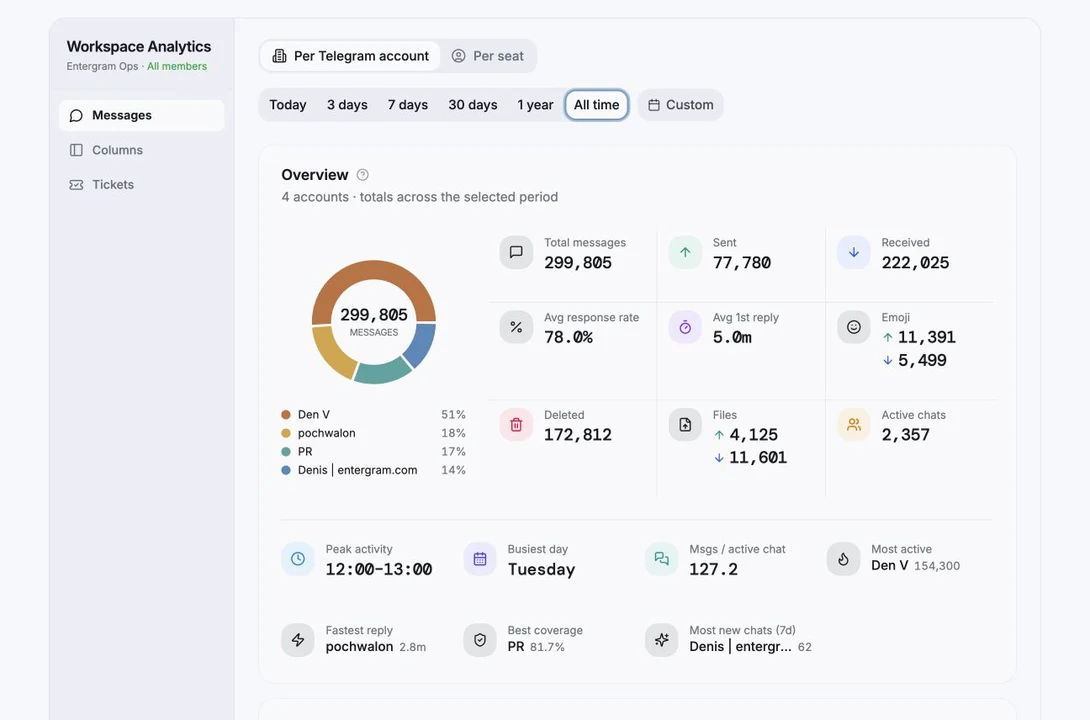
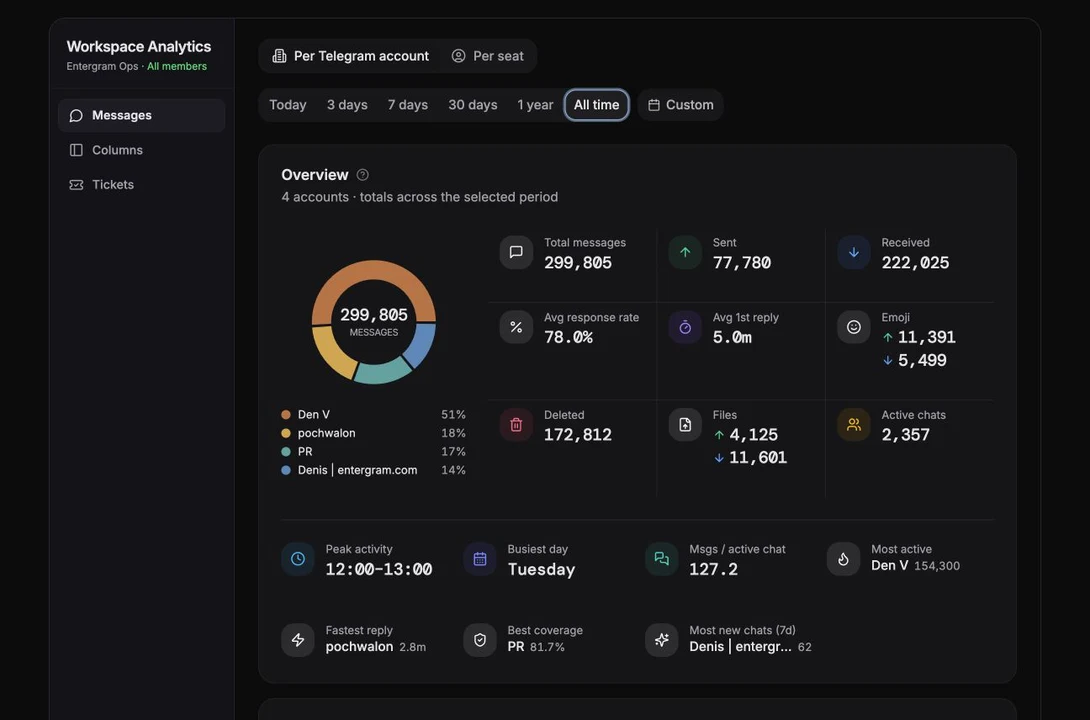
What it requires
Section titled “What it requires”Analytics needs a connected Telegram account and a plan that includes analytics (Pro, or a Pro seat). There is no separate analytics setup, data starts flowing with the account connection.
Without those you’ll see one of:
| State | What it means |
|---|---|
| Connect your first account | No Telegram account connected at all |
| Upgrade to unlock analytics | Plan doesn’t include it |
| Workspace analytics are managed by your admin | Your owner controls visibility |
The first sync
Section titled “The first sync”The first sync after connecting an account takes a few minutes and runs on Entergram’s servers, you don’t need to keep the tab open. After that the header shows Real-time data.
The four views
Section titled “The four views”Pick with the View control in the header:
| View | Article |
|---|---|
| Performance | Performance & messages |
| Messages | Performance & messages |
| Custom fields | Custom fields analytics |
| Log history | Log history |
Ticket and SLA reporting lives with the tickets analytics - Ticket & SLA analytics.
Scope: whose data am I looking at?
Section titled “Scope: whose data am I looking at?”The header tells you:
- Workspace Analytics + All members, everything in the workspace.
- My Workspace Analytics + Your data, only your own accounts.
Which one you get depends on the workspace setting Members can see all analytics. When it’s off, members only see their own analytics and custom fields.
Two filters narrow things further:
- Account filter, which connected Telegram accounts to include. Accounts show Syncing, Synced or Not synced, and accounts without analytics are marked No analytics.
- Member filter - which workspace members’ data to include, with a per-member account count.
There’s also a Chat type filter: All, Users, Groups, Channels.
In workspace scope, chats that belong to another seat are marked Private, “Only the owning seat can open this chat’s analytics.” You see the aggregate; you don’t get to read someone else’s conversation.
Time ranges
Section titled “Time ranges”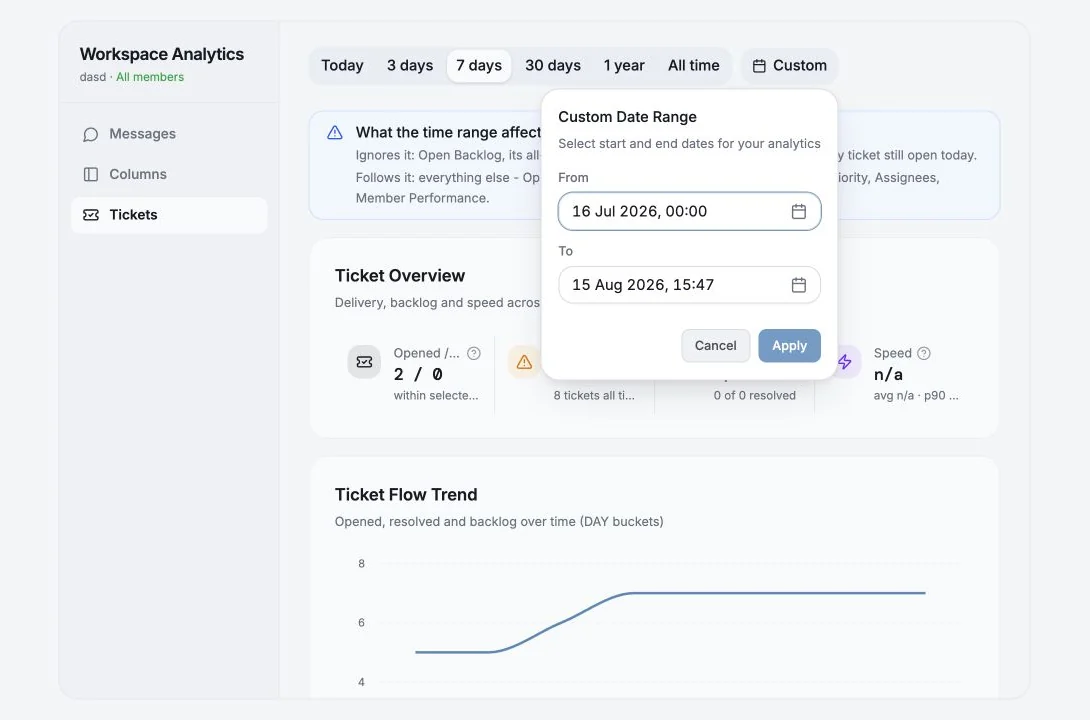
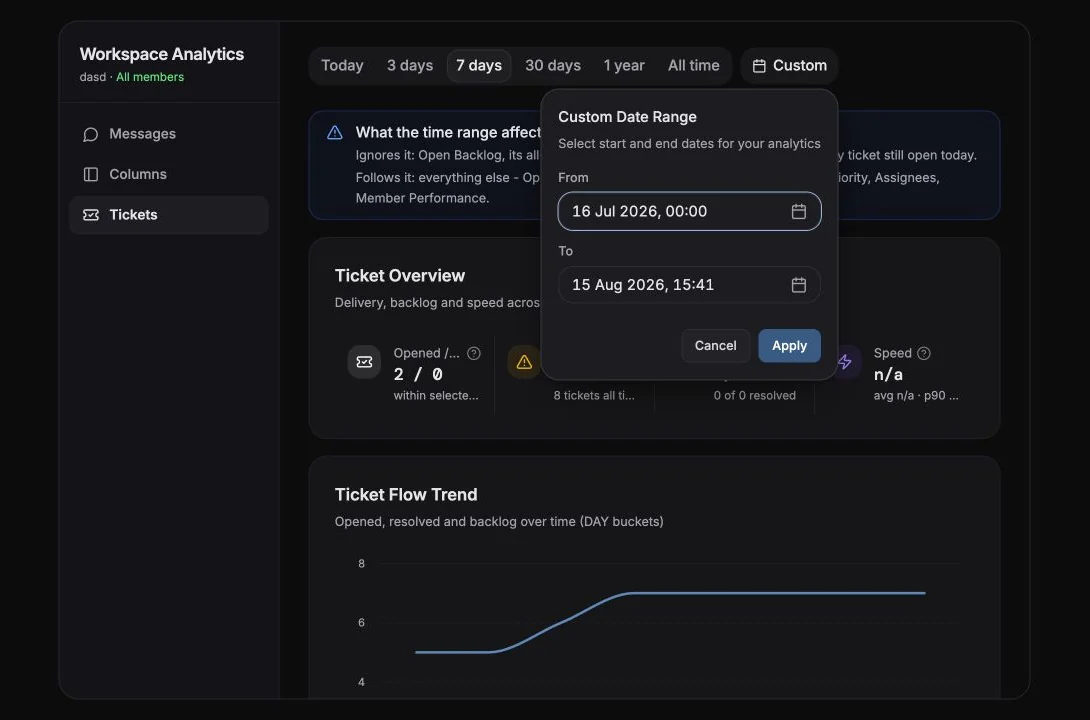
Today, 3 days, 7 days, 30 days, 1 year, All time, or Custom (pick a From and To date).
Unlimited history and custom ranges are Pro features, on a lower plan the options show “Upgrade to Pro for unlimited history” / “…for custom date ranges”.
Not everything follows the time range
Section titled “Not everything follows the time range”This trips people up, so the app says it explicitly in a “What the time range affects” note on each view. For example:
- Custom fields - Field Coverage, Chats tagged, Untagged and Top column always reflect your whole inbox as of now. Only Changes and Top taggers follow the range.
- Tickets, Open Backlog and its trend line always mean every ticket still open today. Everything else follows the range.
- Most new chats (7d) is always a fixed 7-day window.
The little ⓘ icons
Section titled “The little ⓘ icons”Almost every card has a More info hint explaining exactly how the number is computed - worth clicking before you draw a conclusion from a metric.
Exporting
Section titled “Exporting”Analytics is one of the export targets under Settings → Workspace → Data, and log history has its own Export CSV. See Data export & deletion.
Let the review come to you
Section titled “Let the review come to you”Analytics becomes more useful when it arrives as a habit instead of a dashboard someone remembers to open. With Entergram MCP, Claude Cowork or ChatGPT can prepare a recurring brief such as:
Every Monday, compare the last seven days with the previous seven. Highlight message volume, response-time and open-ticket changes, then give me three questions to discuss with the team. Link to the relevant Entergram views and do not modify any data.
Keep the first version read-only. When the brief consistently finds the right signals, you can extend the workflow to create follow-up tickets or add a private recap comment, with approval for every write action.
Cookie preferences
We respect your right to privacy. Choose which cookies to allow, your choice applies across our site. Cookie Policy
Required for the site to work, including remembering your privacy choices. Always on.
Help us understand site use and attribute sign-ups to referral partners. Optional.