Measure custom-field adoption and coverage
Analytics → Custom fields answers one question: is the structure we designed actually being filled in?
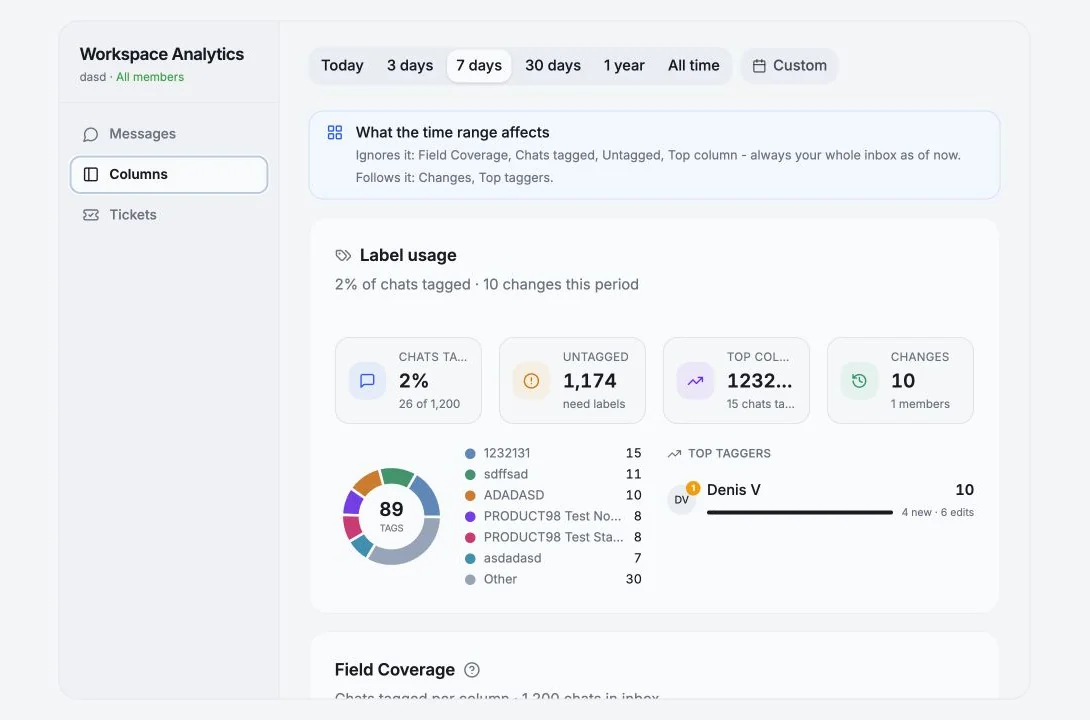
What follows the time range, and what doesn’t
Section titled “What follows the time range, and what doesn’t”The view says this up front, because it matters:
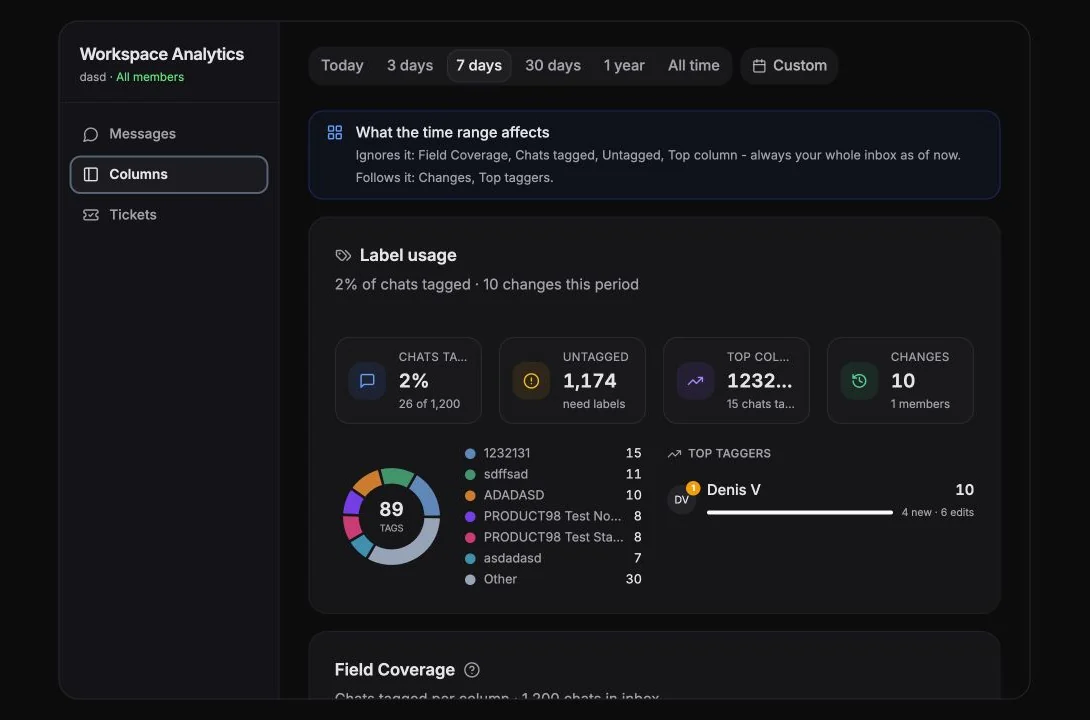
Ignores the time range: Field Coverage, Chats tagged, Untagged, Top column, always your whole inbox as of now. Follows the time range: Changes, Top taggers.
So a “0 changes” week doesn’t mean coverage dropped; it means nobody tagged anything.
Headline stats
Section titled “Headline stats”| Stat | Meaning |
|---|---|
| Total Fields | Number of custom columns in the current view |
| Average Coverage | Average percent of chats with a value set, across all fields |
| High Coverage | Fields filled in at least 75% of chats |
| Needs Attention | Fields filled in fewer than 25% of chats |
| Members | Workspace members who contributed field changes |
Needs Attention is the one to act on. A field under 25% is either unnecessary or unenforced, decide which and either delete it or make someone responsible for it.
Field Coverage
Section titled “Field Coverage”Per column: how often it’s filled, and its value distribution.
- “
{filled}of{total}chats” with a tooltip explaining the count. - Multi-select columns get a longer tooltip: because a chat can hold several values, the per-value counts overlap and sum to more than the number of tagged chats. That’s expected, not a bug.
- Top values per field, expandable with Show
{n}more.
Label usage
Section titled “Label usage”A donut plus supporting counts:
- Chats tagged / Untagged, “
{pct}% of chats tagged” - Top column, the field applied to the most chats
- Changes - custom-field values added, edited or cleared this period
{used}of{total}columns carry data, how much of your schema is dead weight- Top taggers - per member:
{created}new ·{edits}edits ·{n}cleared, with Last active
Field Update Activity
Section titled “Field Update Activity”A heatmap of when custom field values are updated. Darker cells mean more updates; click a cell for the detail. Useful for spotting whether tagging happens as work flows or in a guilty Friday-afternoon batch.
Top Chats by Field Completion
Section titled “Top Chats by Field Completion”Chats with the most fields filled, by completion rate. Duplicates across members are deduped.
Recent Changes
Section titled “Recent Changes”The last n field value updates - “Set to: {value}”, “Removed: {value}”, with the chat, the field and who did it.
In workspace mode this feed widens beyond field edits to include Telegram and workspace actions: messages sent/edited/deleted, reactions, forwards, media, member joins/leaves, role changes, account shared/unshared/reconnected, broadcasts sent, comments, files, column create/delete, reminders, ticket events and API key events.
Member Activity
Section titled “Member Activity”Who’s updating custom fields - counts of custom-field changes, Telegram actions and workspace actions per member.
Empty states
Section titled “Empty states”| Message | Meaning |
|---|---|
| No Workspace Custom Fields | No workspace-scoped columns exist yet, create them in the Chats view |
| No Custom Fields | You haven’t created any personal custom fields |
| Select an account to view custom fields analytics | Pick an account in the filter |
A practical routine
Section titled “A practical routine”Once a month:
- Sort fields by coverage. Anything under 25% → delete it or assign an owner.
- Check
{used}of{total}columns carry data. If it’s 4 of 11, your table is mostly noise. - Look at Top taggers. If one person does 80% of the tagging, the process isn’t a process, it’s that person.
- Build an Untagged view from the No custom fields filter and work it down.
Cookie preferences
We respect your right to privacy. Choose which cookies to allow, your choice applies across our site. Cookie Policy
Required for the site to work, including remembering your privacy choices. Always on.
Help us understand site use and attribute sign-ups to referral partners. Optional.