Configure ticket views, columns, and bulk work
The Tickets page uses the same table machinery as Messages - views, filters, sorting, columns and a board, applied to ticket fields.
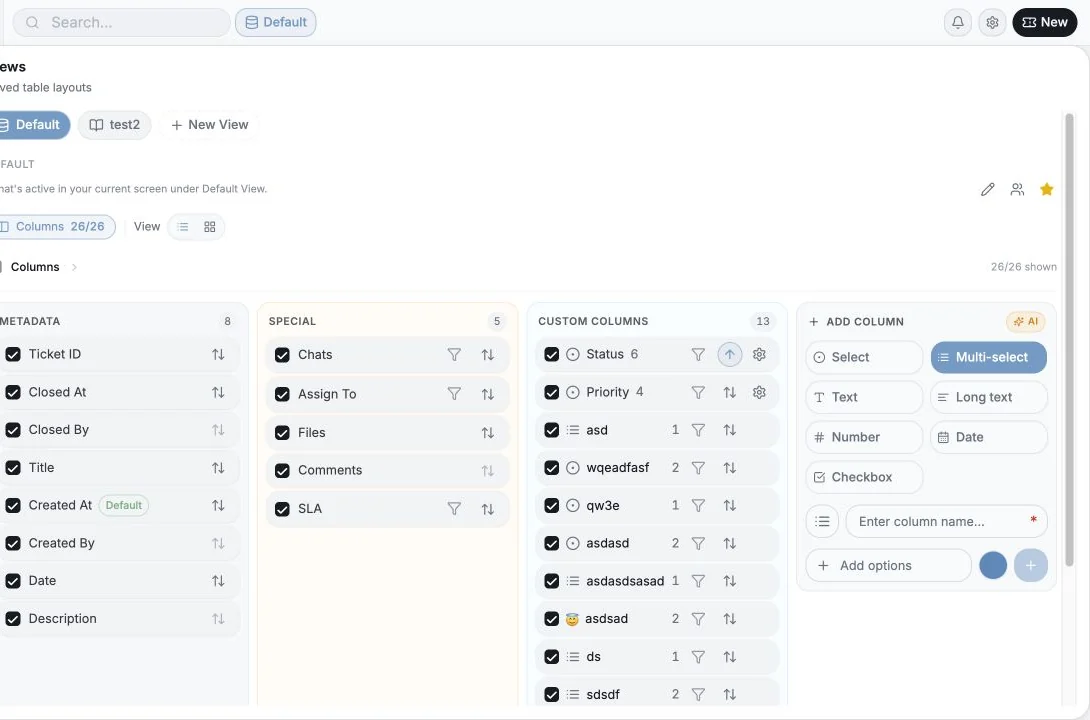
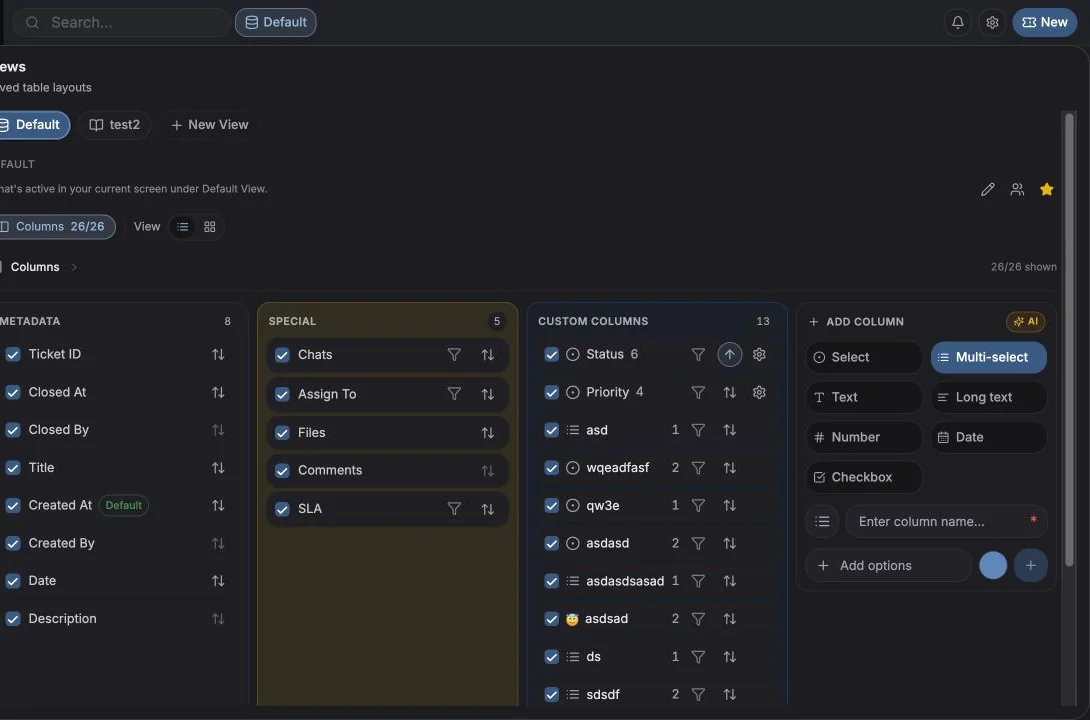
Table or Kanban
Section titled “Table or Kanban”Switch with Table / Kanban in the header.
Grouping
Section titled “Grouping”Group by offers:
- None
- Status
- Priority
- Assignee
- any single-select ticket custom column
- New Group - create a single-select column on the spot, where each label becomes a group
On the board, each option becomes a lane and dragging a ticket sets that field. Tickets with no value land in No value.
Creating a group
Section titled “Creating a group”New Group → give it a Group name (the column name) and list the Groups (its options) → Create group.
Filters
Section titled “Filters”Ticket filters use the same Include / Exclude model as the chat table (“Filter to Include or Exclude tickets”). Filter by status, priority, assignee, dates, SLA state and any ticket custom field.
Active filters appear as chips you can clear one at a time.
Saved views
Section titled “Saved views”Save the current combination of columns, filters, sorting, grouping and layout as a view, optionally shared with the workspace and/or set as default. Unsaved drift shows as an Unsaved marker with a changes pill you can inspect or discard.
The mechanics are identical to the chat table, see Views, filters & sorting.
Bulk edits
Section titled “Bulk edits”Select tickets with the row checkboxes to get the ticket selection toolbar. From there you can set status, priority, assignee and custom fields across everything selected, and delete in bulk where permitted.
Bulk changes respect the workspace permissions, a member without Members can edit tickets won’t see the editing actions, and Members can delete tickets governs deletion.
The empty state
Section titled “The empty state”A brand-new workspace shows “Track work with tickets” with the four things tickets give you:
- Fork tickets out of chats, create from any chat or message; the conversation stays linked.
- Statuses, priorities & assignees, plus due dates and full activity history.
- Table & kanban views, group by any field and save filtered views for your team.
- Custom fields & comments, shape tickets with your own columns and discuss in comments.
Create your first ticket starts you off.
Cookie preferences
We respect your right to privacy. Choose which cookies to allow, your choice applies across our site. Cookie Policy
Required for the site to work, including remembering your privacy choices. Always on.
Help us understand site use and attribute sign-ups to referral partners. Optional.