Work a conversation from one place
Click any row in Messages to open the chat panel. It has five tabs.
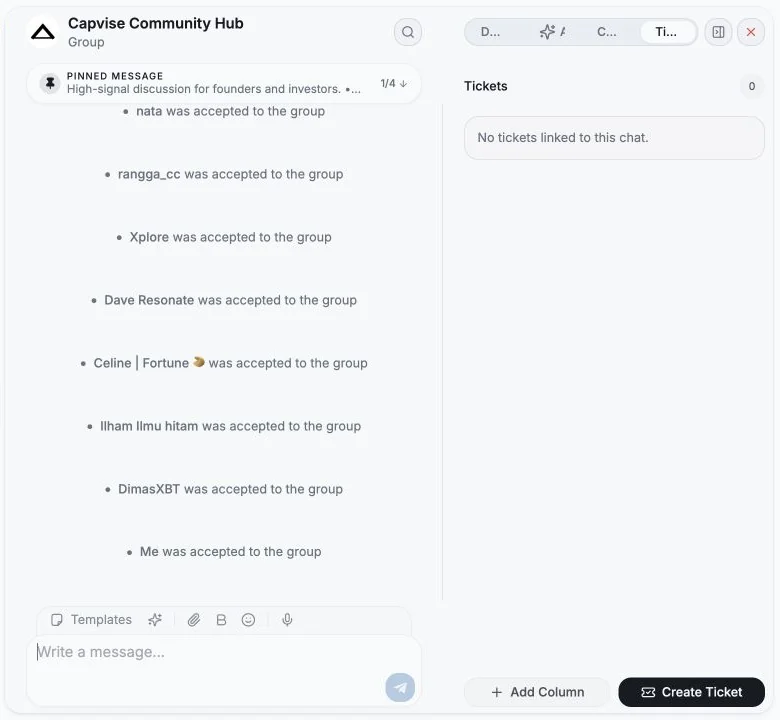
The live conversation. You can read history, scroll back (older messages load as you go), open pinned messages, and reply. See Sending messages for the composer, formatting, reactions, editing, deleting and forwarding.
Things you’ll see here:
- Preview mode, “Preview mode is not marking this chat as read.” Use Mark read to reply when you’re ready to engage.
- Showing last
{n}of{total}messages • Scroll up to load more. - Chat unavailable - the chat was deleted in Telegram; history can’t be loaded, but sending a message reactivates the conversation.
- Restriction notices when Telegram won’t let you post: You can’t write in this chat, You can’t post messages in this channel, Join this chat to send messages.
Details
Section titled “Details”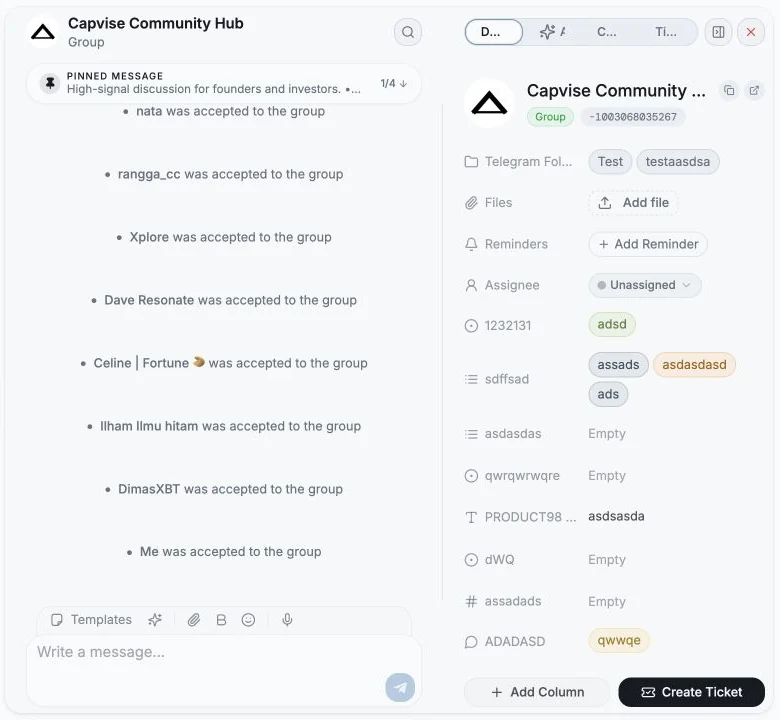
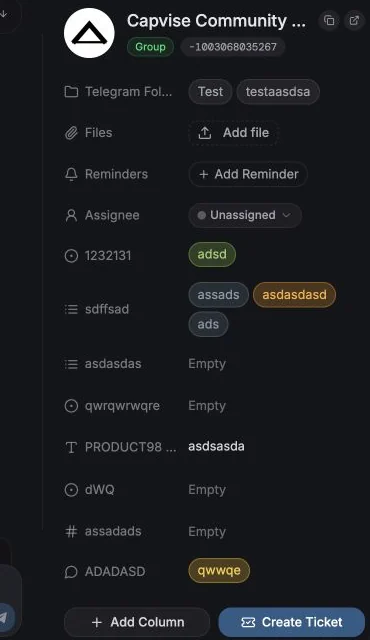
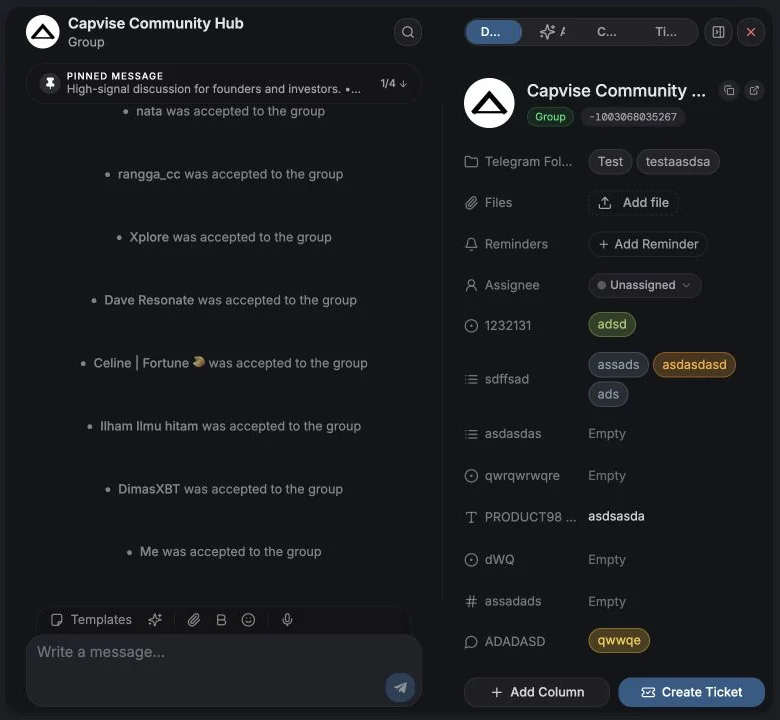
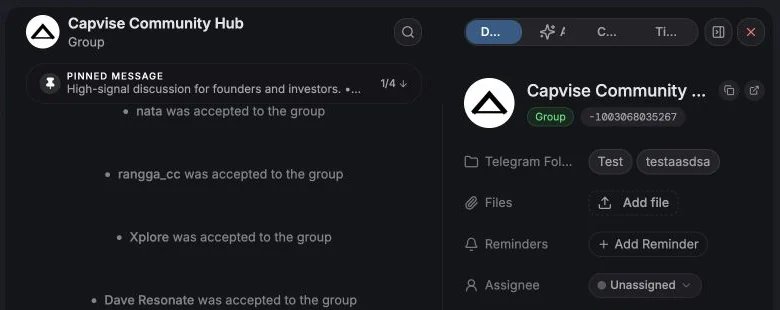
Everything structured about the chat:
- Contact identity - name (editable, writes back to Telegram contacts), username, phone (with Copy phone number), user/chat ID, and status (Online, Recently active, Seen this week, Seen this month, Offline, Left, Deleted, Unavailable).
- Copy link and Open in Telegram.
- Telegram Folder, add or remove this chat from your real folders. See Telegram folders.
- Custom columns - fill any custom field, and Add Column to create a new one without leaving the panel.
- Files, attach files to the chat inside the CRM (these are not sent to Telegram). Preview or Download. File uploads can be disabled by plan or setting.
- Reminders, see Reminders.
- Management, for groups and channels where you have rights. See Group & channel management.
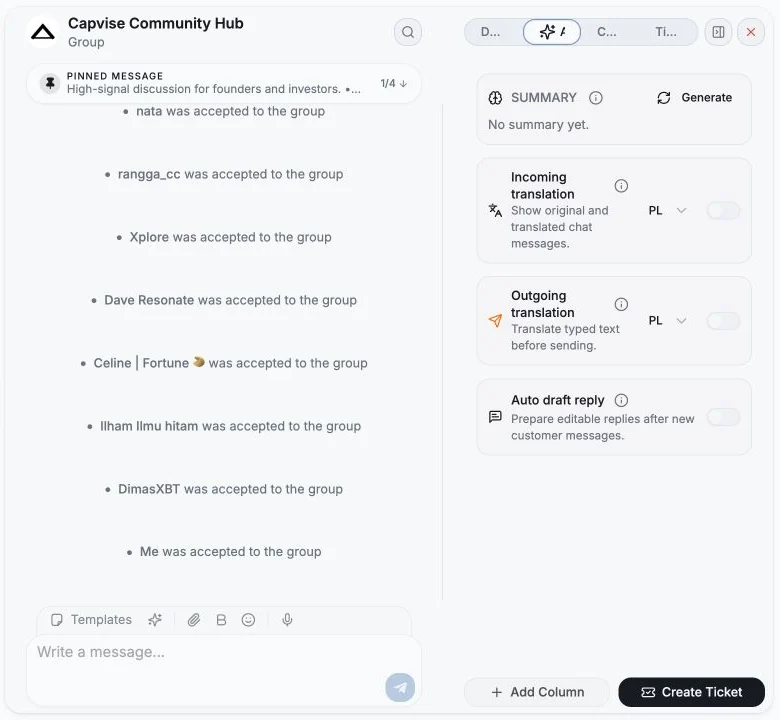
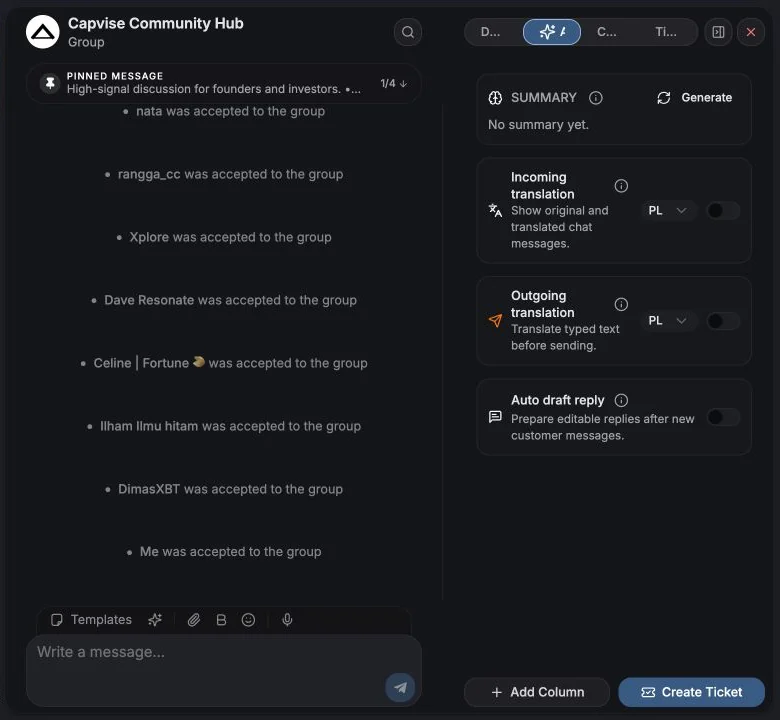
Per-chat AI features. Everything here applies to this chat only, and there’s a master Enable AI for this chat switch. With it off you’ll see “AI is off for this chat”.
| Feature | What it does |
|---|---|
| Summary | A manual conversation summary with detected Intent and urgency. It stays as the latest saved summary until someone clicks Refresh. |
| Incoming translation | Translates new and visible incoming messages into a language you pick. You can flip any message between Show original and Show translation. |
| Outgoing translation | Translates what you type before sending. Cannot run at the same time as auto draft reply. |
| Auto draft reply | Prepares an editable draft in the input after a new inbound message. It never sends automatically and will not overwrite text you already started writing. |
The composer also has one-click AI actions: Draft reply, Short reply, Casual reply and Rewrite.
Tickets
Section titled “Tickets”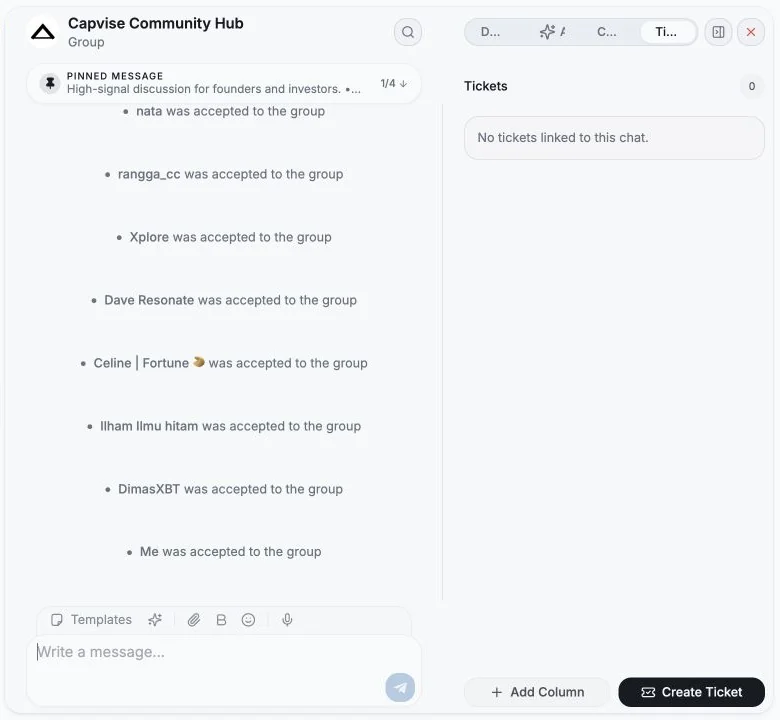
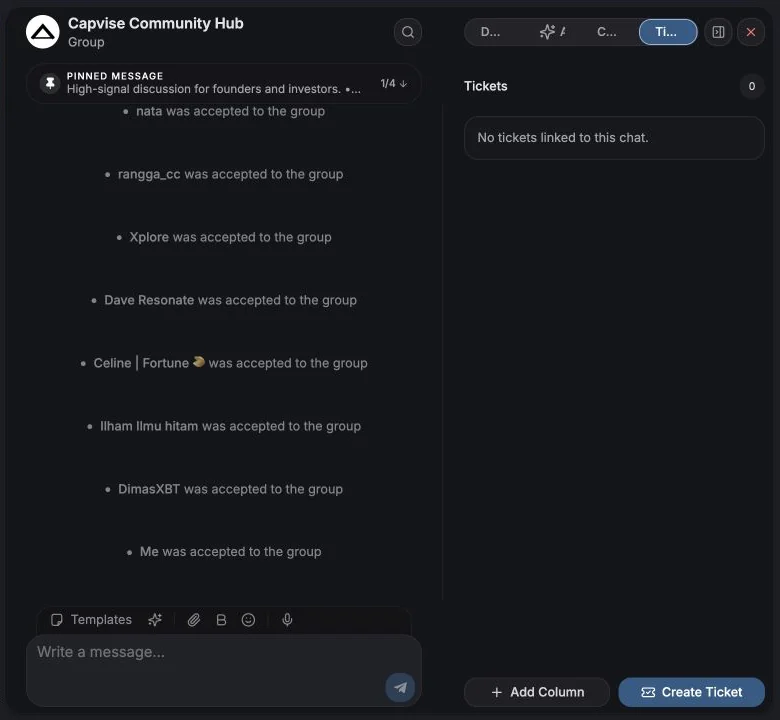
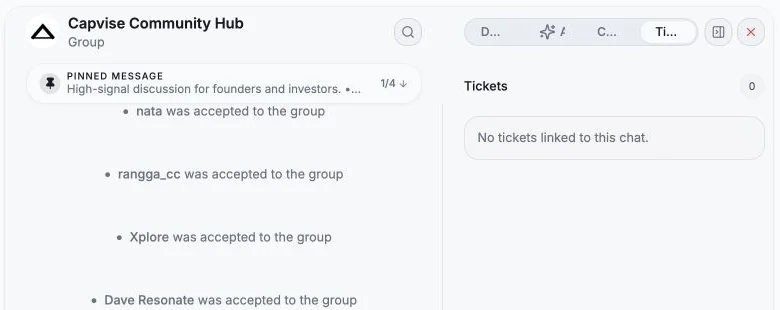
Every ticket linked to this chat, plus Create Ticket to open a new one pre-linked to the conversation. Empty state: “No tickets linked to this chat.”
You can also create a ticket straight from a single message, the message is stored as the ticket’s Source Message so context is never lost. See Tickets overview.
Comments
Section titled “Comments”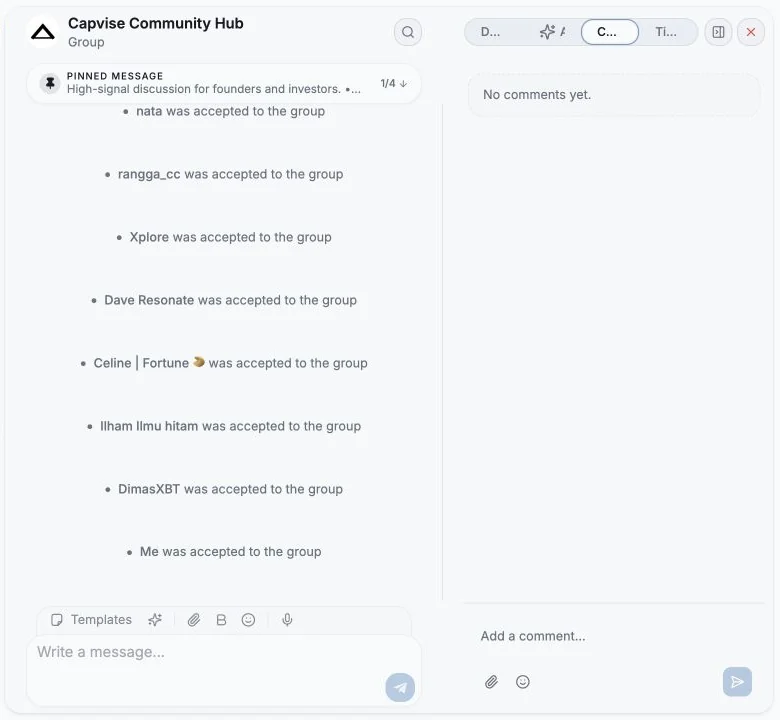
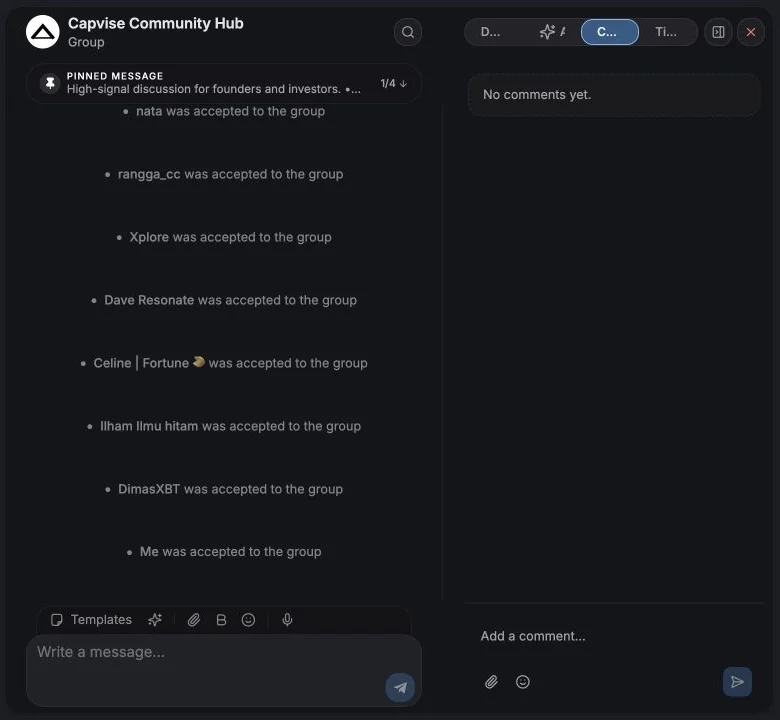
Internal notes for your team. Comments are never sent to Telegram and the contact never sees them.
- Write a comment, add emoji, attach a file (there’s a max file size, shown inline), or drop files onto the panel.
- Each comment shows the author and their role - Owner, Admin or Member.
- Edit or delete your own comments. Deleting asks for confirmation and cannot be undone.
Comment counts surface in the Comments column of the table, so you can see at a glance which chats have internal discussion.
A weekly recap your future self will thank you for
Section titled “A weekly recap your future self will thank you for”If you connect Entergram to Claude, ChatGPT or an automation tool over MCP, you can turn comments into a quiet handoff ritual. Ask the agent to review only the last seven days, summarize decisions and open questions, and add the result as an internal comment-never as a Telegram message. Schedule it weekly in Claude Cowork or ChatGPT, or use n8n/Make when the run needs to update Zendesk too.
Related
Section titled “Related”Cookie preferences
We respect your right to privacy. Choose which cookies to allow, your choice applies across our site. Cookie Policy
Required for the site to work, including remembering your privacy choices. Always on.
Help us understand site use and attribute sign-ups to referral partners. Optional.