Onboarding
The first time you sign in, Entergram runs a short wizard. Each step shows Step n of N at the top, and you can go Back at any point.
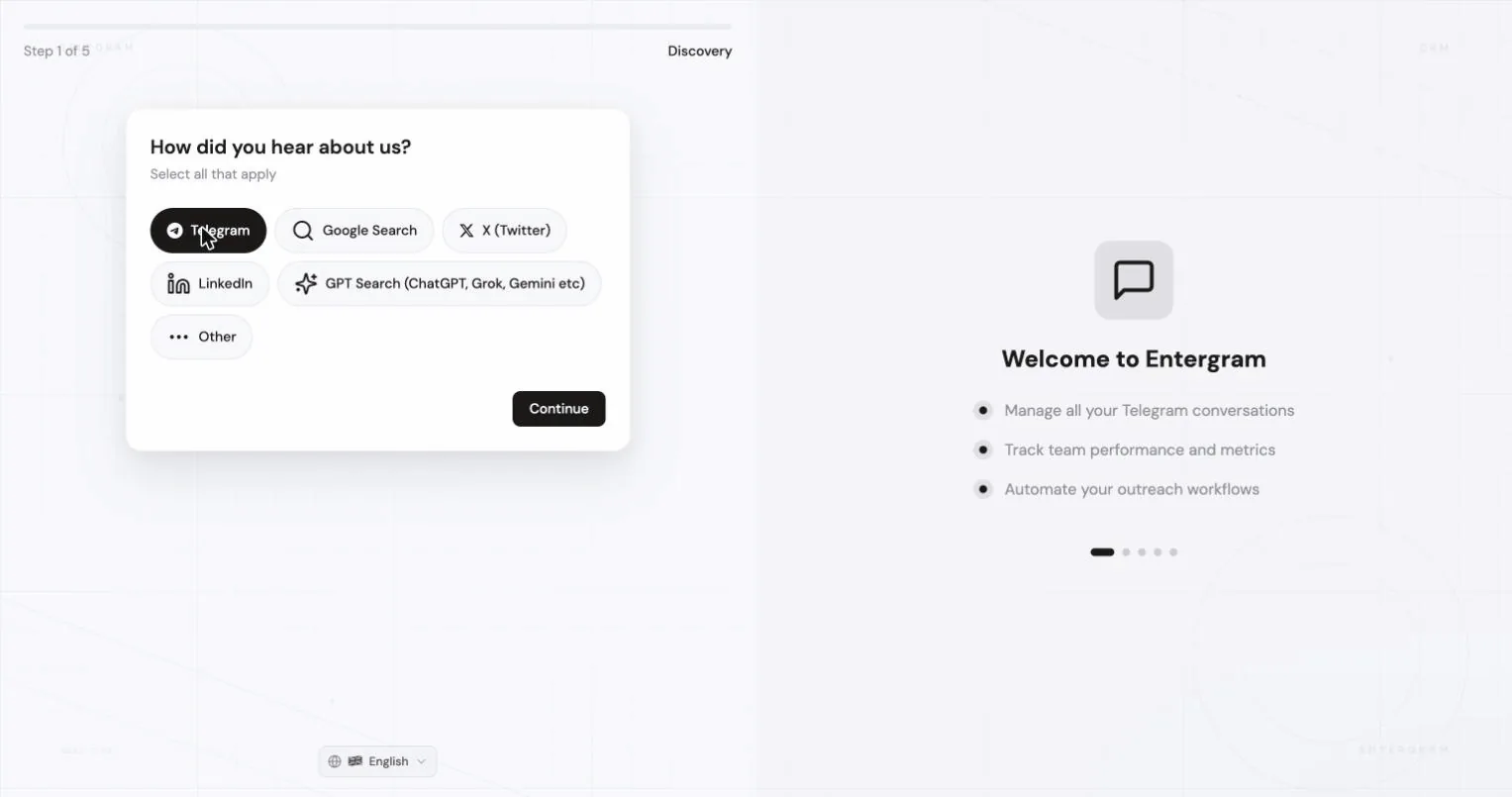

Step 1, How did you hear about us?

Section titled “Step 1, How did you hear about us?”Telegram, Google Search, X (Twitter), LinkedIn, GPT Search (ChatGPT, Grok, Gemini etc.) or Other. This only shapes our reporting.
Step 2, Use cases
Section titled “Step 2, Use cases”Pick all that apply: Client Management, Analytics, Group Management, Broadcasting, Outreach, Customer Support. You can also flag integrations you care about (Zapier, HubSpot, Notion, Zendesk, Slack, Make, or a custom one), optional.
Step 3, Your workspace

Section titled “Step 3, Your workspace”Two tabs:
Create new
- Workspace Name, e.g. Acme Workspace. You can have several workspaces with the same name.
- Company Website (optional), used to personalize analytics and reporting.
- How will Entergram be used?, Individual use or Team / Workspace. Changeable later.
- Referral Code (optional), if someone invited you.
Join existing
- Paste the invitation link you were given, e.g.
https://app.entergram.com/workspace/join/.... Entergram validates it before continuing. An invalid or expired link is rejected with a clear message.
Step 4, Book a call (optional)
Section titled “Step 4, Book a call (optional)”If call booking is enabled you can schedule an onboarding call; click Just booked after finishing so we register it. This step is skipped entirely when you joined via a workspace invite link, or when a call isn’t required for your account.
Some accounts are gated behind review. You’ll see either:
- You’re Approved! - continue straight to connecting Telegram, or
- Call Booked!, we typically review applications within 24 hours and email you when approved. Use Check Status to re-check without waiting for the email.
Step 5, Connect your Telegram
Section titled “Step 5, Connect your Telegram”The important screen. It tells you what Entergram will access, basic Telegram account information, chat list and metadata (not message content), and group membership and activity timestamps - and confirms the connection is handled on Entergram’s servers, so there is nothing to install or unlock on your device.
Accept the Terms of Service and Privacy Policy, then Connect Telegram Account and sign in by QR code or phone number.
 The full flow is in Connect a Telegram account.
Onboarding finishes as soon as your account is connected, analytics needs no separate setup.
After the wizard
Section titled “After the wizard”You land on Messages with an empty table until the first chat sync finishes. The first sync can take up to about five minutes depending on how large the account is.
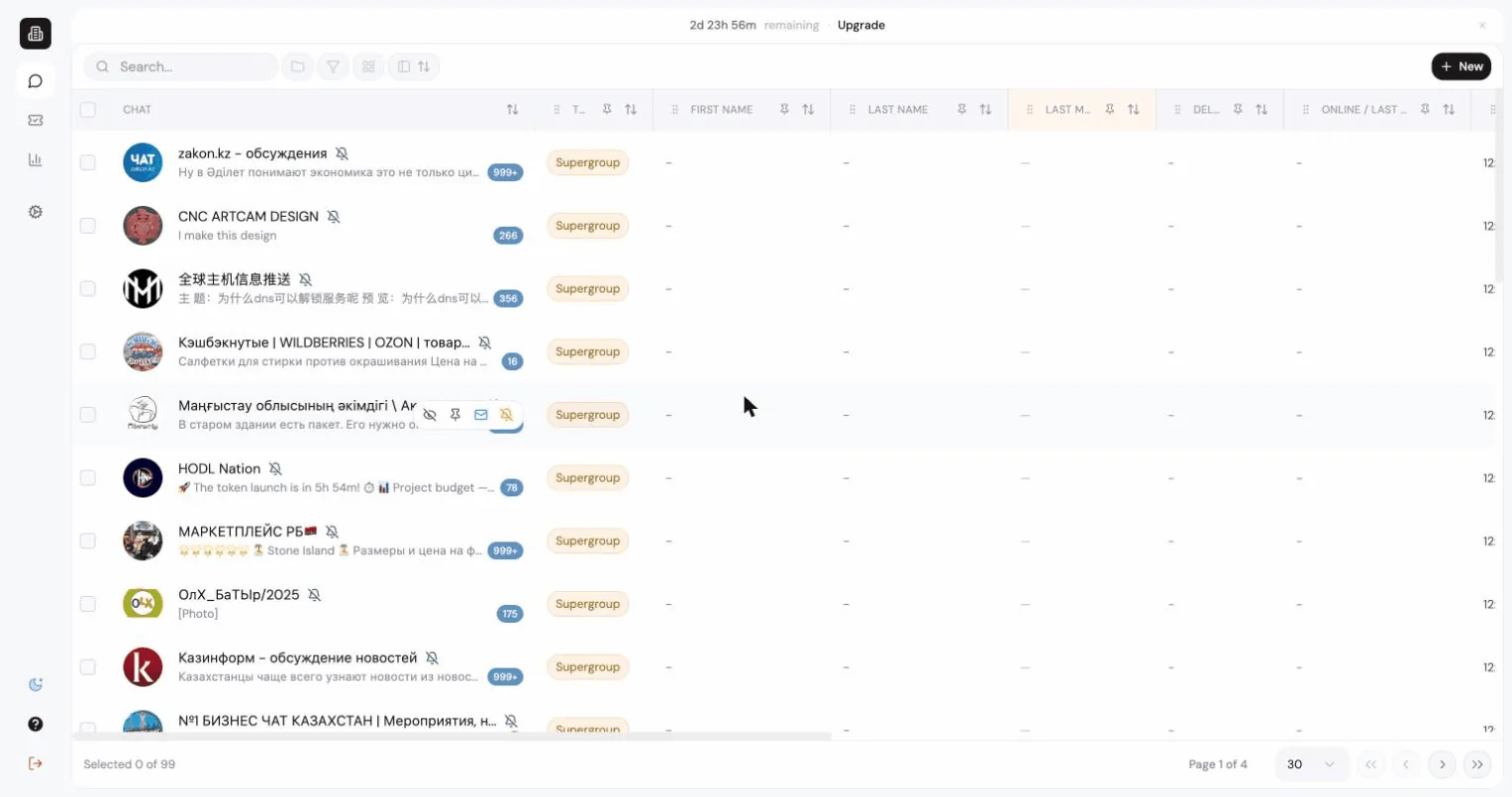
Next: Your first week.
Cookie preferences
We respect your right to privacy. Choose which cookies to allow, your choice applies across our site. Cookie Policy
Required for the site to work, including remembering your privacy choices. Always on.
Help us understand site use and attribute sign-ups to referral partners. Optional.