Configure workspace permissions and privacy
Settings → Workspace → Privacy & Settings, workspace privacy controls and operational defaults. Owners and admins only.
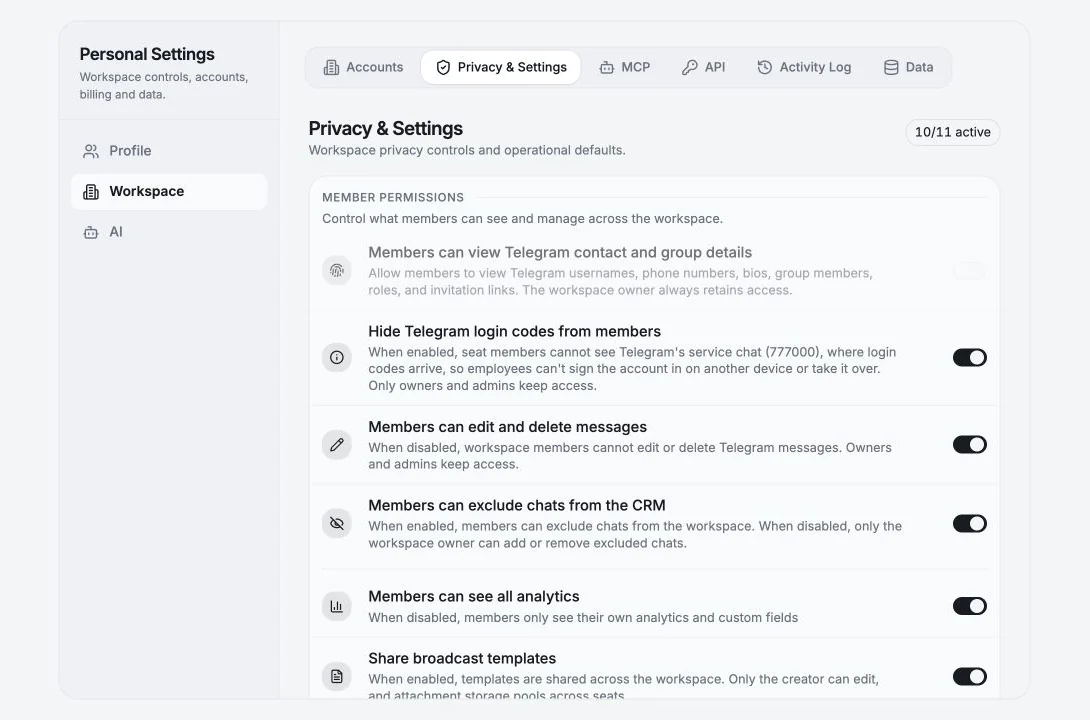
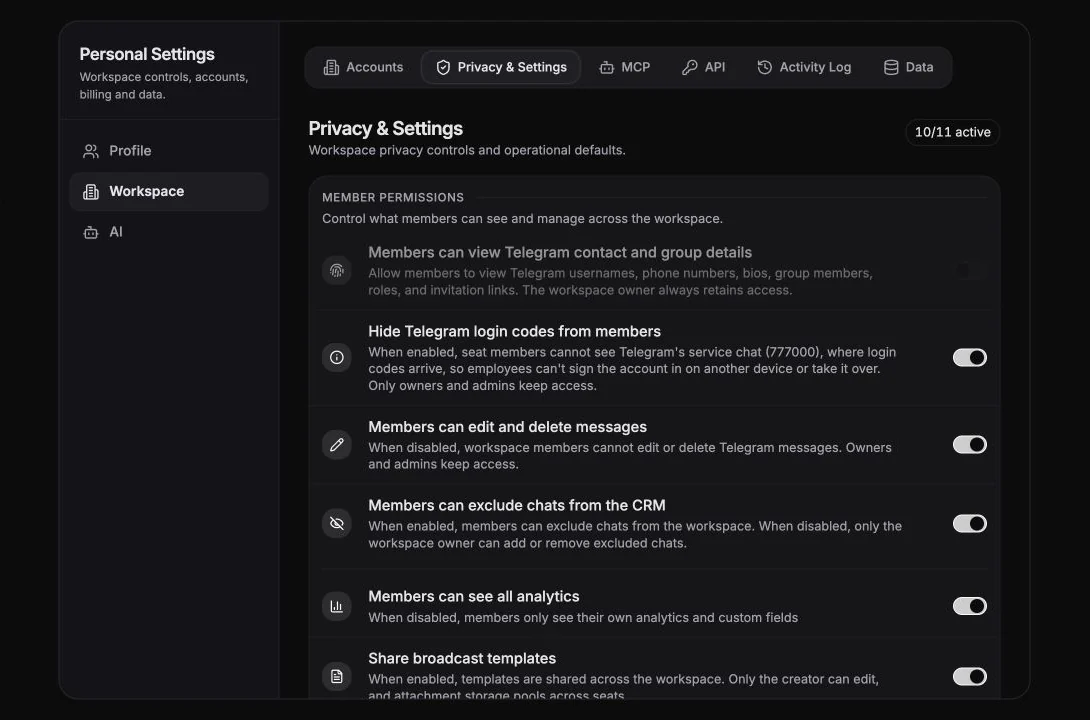
Each toggle controls what members can do. Owners and admins keep access to everything unless stated otherwise. The header shows {n}/{total} active.
Member permissions
Section titled “Member permissions”Control what members can see and manage across the workspace.
Members can see all analytics
Section titled “Members can see all analytics”On, members see workspace-wide analytics. Off, “members only see their own analytics and custom fields.”
This is the single biggest visibility switch in the product. Turn it off for teams where individual performance data shouldn’t be public.
Members can manage excluded chats
Section titled “Members can manage excluded chats”On, members can exclude chats from the workspace. Off, only the workspace owner can add or remove excluded chats. Members see “The workspace owner has locked changes to excluded chats.”
Members can edit and delete messages
Section titled “Members can edit and delete messages”Off, workspace members cannot edit or delete Telegram messages. Owners and admins keep access.
Turn this off if you’re worried about a member erasing a conversation. Deletions are irreversible on Telegram’s side.
Hide Telegram login chat from members
Section titled “Hide Telegram login chat from members”On, seat members cannot see Telegram’s service chat (777000) on any workspace account. Owners and admins keep access.
This is also a prerequisite for connecting a Telegram account on a member’s behalf. Without it, login codes for shared accounts would be readable by every member.
Share broadcast templates
Section titled “Share broadcast templates”On, templates are shared across the workspace. Only the creator can edit, and attachment storage pools across seats. Off, templates are personal per member.
Members can export their data
Section titled “Members can export their data”On, members can export data from their own workspace accounts. Off, only owners and admins can export.
Tickets
Section titled “Tickets”Enable tickets and set what members can do with them.
| Toggle | Effect when off |
|---|---|
| Enable tickets for the workspace | Tickets are hidden for all workspace members, the nav item disappears |
| Members can create tickets | Members can’t open new tickets |
| Members can edit tickets | Members can’t change status, priority, fields or linked chats |
| Members can delete tickets | Members can’t permanently delete tickets |
Advanced
Section titled “Advanced”Show “Sent by” badges on messages (Experimental)
Section titled “Show “Sent by” badges on messages (Experimental)”Outgoing messages show a badge with the name of the workspace member who sent them. Useful for teams sharing Telegram accounts. Feeds the Last Message Agent column.
Operations & Automation
Section titled “Operations & Automation”Message Attribution
Section titled “Message Attribution”Ties outgoing messages to the member who sent them, across shared accounts.
SLA Configuration
Section titled “SLA Configuration”Global SLA (hours), “Default SLA for all new and existing tickets without manual SLA override.” Shows Enabled / Disabled; supports presets or a Custom value in hours or days. See SLA.
Recommended configurations
Section titled “Recommended configurations”Sales team (each rep has their own Telegram)
Section titled “Sales team (each rep has their own Telegram)”| Setting | Value |
|---|---|
| Members can see all analytics | On, coaching needs visibility |
| Members can edit and delete messages | On |
| Members can manage excluded chats | On |
| Hide Telegram login chat | On |
| Share broadcast templates | On, one message library |
| Members can export their data | Off |
| ”Sent by” badges | Off (each rep has their own account) |
Support team (shared inbox)
Section titled “Support team (shared inbox)”| Setting | Value |
|---|---|
| Members can see all analytics | On |
| Members can edit and delete messages | Off, protect the record |
| Members can manage excluded chats | Off |
| Hide Telegram login chat | On, required for delegated connections |
| Share broadcast templates | On |
| Members can export their data | Off |
| ”Sent by” badges | On, you need to know who answered |
| Tickets + Global SLA | On |
Agency / contractors
Section titled “Agency / contractors”| Setting | Value |
|---|---|
| Members can see all analytics | Off, contractors see only their own |
| Members can edit and delete messages | Off |
| Members can manage excluded chats | Off |
| Members can export their data | Off |
| Members can delete tickets | Off |
What these toggles do not do
Section titled “What these toggles do not do”They control what members can do inside Entergram. They do not restrict Telegram itself - a member who has independently signed into a Telegram account can always use the Telegram app.
For the underlying data boundaries, see What teammates can see.
Cookie preferences
We respect your right to privacy. Choose which cookies to allow, your choice applies across our site. Cookie Policy
Required for the site to work, including remembering your privacy choices. Always on.
Help us understand site use and attribute sign-ups to referral partners. Optional.