Başlangıç kurulumu
İlk kez oturum açtığınızda Entergram kısa bir sihirbaz çalıştırır. Her adım üstte Step n of N bilgisini gösterir ve istediğiniz anda Back ile geri dönebilirsiniz.
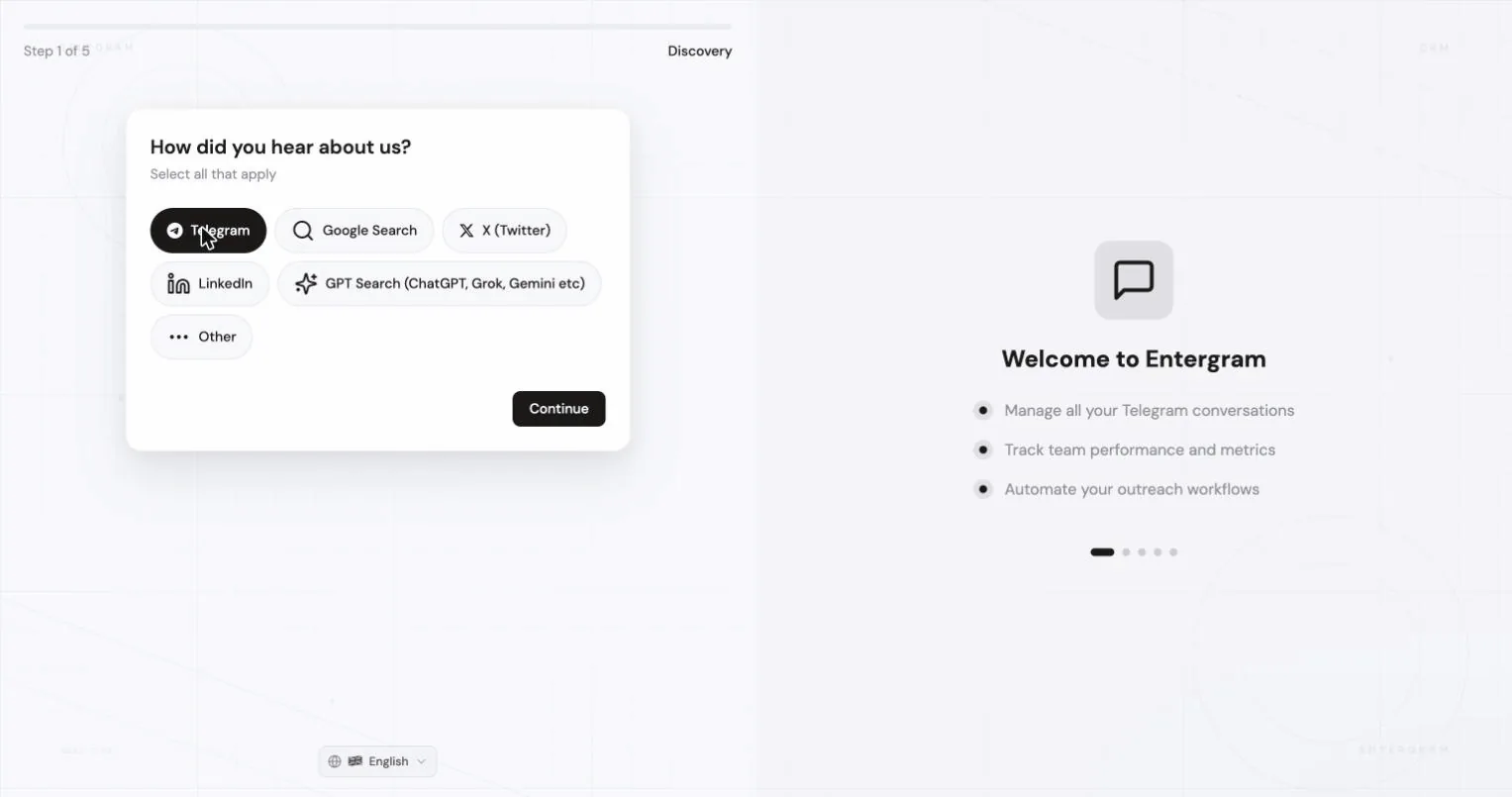

1. Adım, bizi nereden duydunuz?
Section titled “1. Adım, bizi nereden duydunuz?”Telegram, Google Search, X (Twitter), LinkedIn, GPT Search (ChatGPT, Grok, Gemini vb.) veya Other. Bu yanıt yalnızca raporlamamızı şekillendirir.
2. Adım, kullanım senaryoları
Section titled “2. Adım, kullanım senaryoları”Size uyan her şeyi seçin: Client Management, Analytics, Group Management, Broadcasting, Outreach, Customer Support. Ayrıca önemsediğiniz entegrasyonları da işaretleyebilirsiniz (Zapier, HubSpot, Notion, Zendesk, Slack, Make veya özel bir tanesi), bu isteğe bağlıdır.
3. Adım, çalışma alanınız

Section titled “3. Adım, çalışma alanınız”İki sekme vardır:
Create new
- Workspace Name, örneğin Acme Workspace. Aynı adı taşıyan birden fazla çalışma alanınız olabilir.
- Company Website (isteğe bağlı), analitiği ve raporlamayı kişiselleştirmek için kullanılır.
- How will Entergram be used?, Individual use veya Team / Workspace. Sonradan değiştirilebilir.
- Referral Code (isteğe bağlı), sizi biri davet ettiyse.
Join existing
- Size verilen davet bağlantısını yapıştırın, örneğin
https://app.entergram.com/workspace/join/.... Entergram devam etmeden önce bağlantıyı doğrular. Geçersiz veya süresi dolmuş bir bağlantı açık bir mesajla reddedilir.
4. Adım, görüşme planlayın (isteğe bağlı)
Section titled “4. Adım, görüşme planlayın (isteğe bağlı)”Görüşme planlama etkinse bir başlangıç görüşmesi ayarlayabilirsiniz; işiniz bittiğinde kaydedebilmemiz için Just booked düğmesine tıklayın. Bir çalışma alanı davet bağlantısıyla katıldıysanız ya da hesabınız için görüşme gerekmiyorsa bu adım tamamen atlanır.
Bazı hesaplar inceleme gerektirir. Şunlardan birini görürsünüz:
- You’re Approved!, doğrudan Telegram bağlantısına geçin ya da
- Call Booked!, başvuruları genellikle 24 saat içinde inceler ve onaylandığında size e-posta göndeririz. E-postayı beklemeden yeniden kontrol etmek için Check Status düğmesini kullanın.
5. Adım, Telegram hesabınızı bağlayın
Section titled “5. Adım, Telegram hesabınızı bağlayın”En önemli ekran. Entergram’ın neye erişeceğini anlatır: temel Telegram hesap bilgileri, sohbet listesi ve üst veriler (mesaj içeriği değil), grup üyeliği ve etkinlik zaman damgaları. Ayrıca bağlantının Entergram’ın sunucularında yürütüldüğünü, dolayısıyla cihazınızda kurulacak ya da açılacak bir şey olmadığını doğrular.
Terms of Service ve Privacy Policy belgelerini kabul edin, ardından Connect Telegram Account ile QR kodu veya telefon numarası üzerinden oturum açın.
 Akışın tamamı Telegram hesabı bağlama sayfasındadır.
Hesabınız bağlanır bağlanmaz kurulum tamamlanır, analitik için ayrı bir ayar gerekmez.
Sihirbazdan sonra
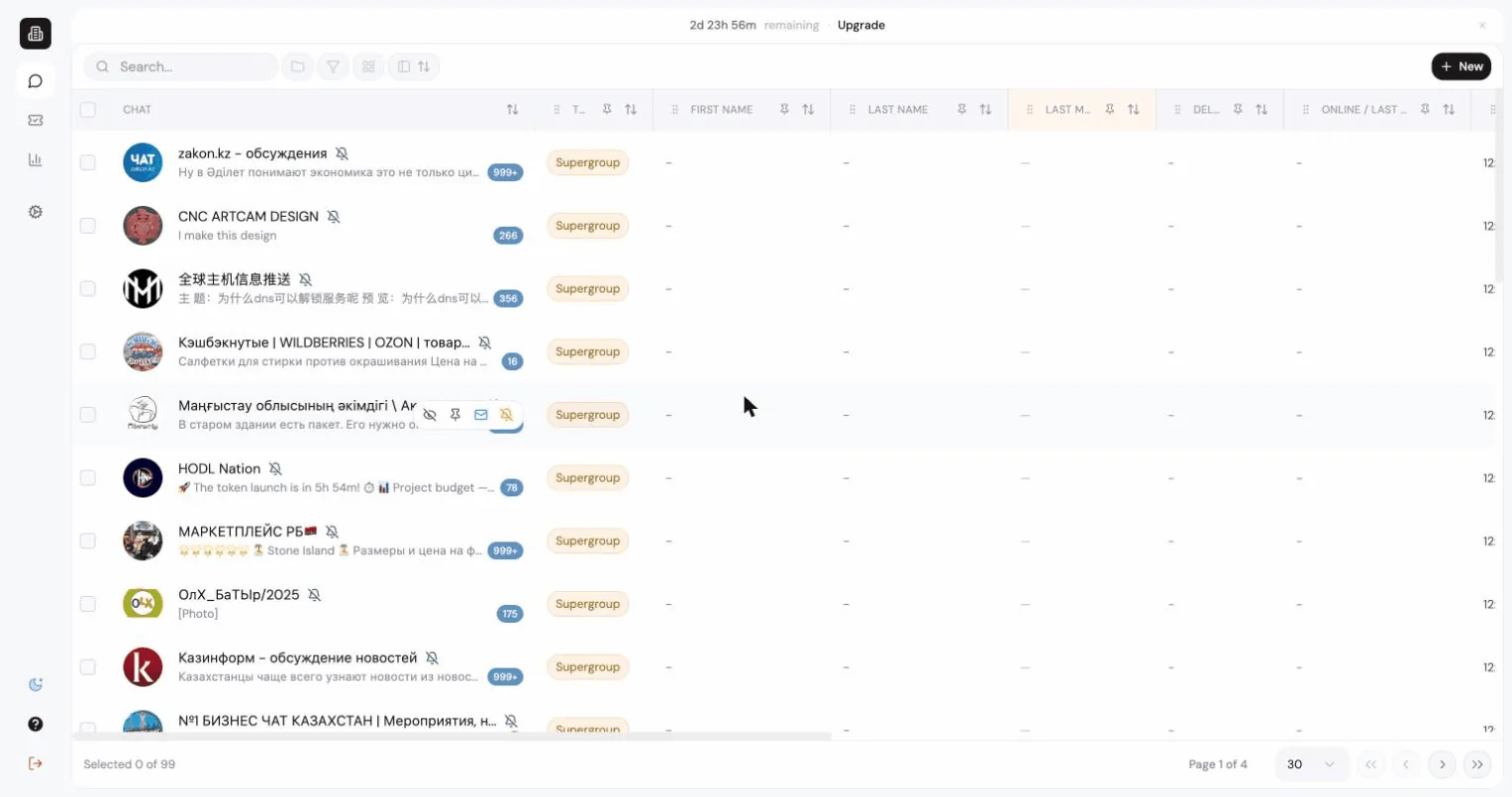
Section titled “Sihirbazdan sonra”İlk sohbet eşitlemesi bitene kadar boş bir tabloyla Messages ekranına düşersiniz. İlk eşitleme, hesabın büyüklüğüne bağlı olarak yaklaşık beş dakikaya kadar sürebilir.
Sıradaki: İlk haftanız.
Cookie preferences
We respect your right to privacy. Choose which cookies to allow, your choice applies across our site. Cookie Policy
Required for the site to work, including remembering your privacy choices. Always on.
Help us understand site use and attribute sign-ups to referral partners. Optional.