Измерение заполняемости и покрытия пользовательских полей
Analytics → Custom fields отвечает на один вопрос: действительно ли заполняется структура, которую Вы спроектировали?
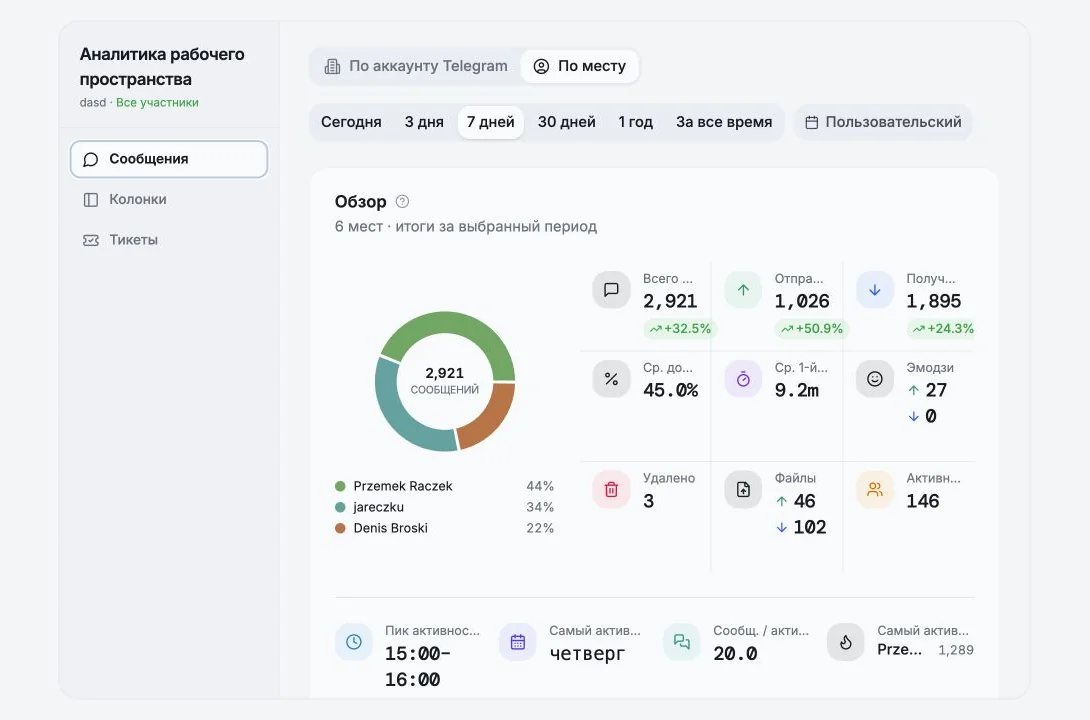
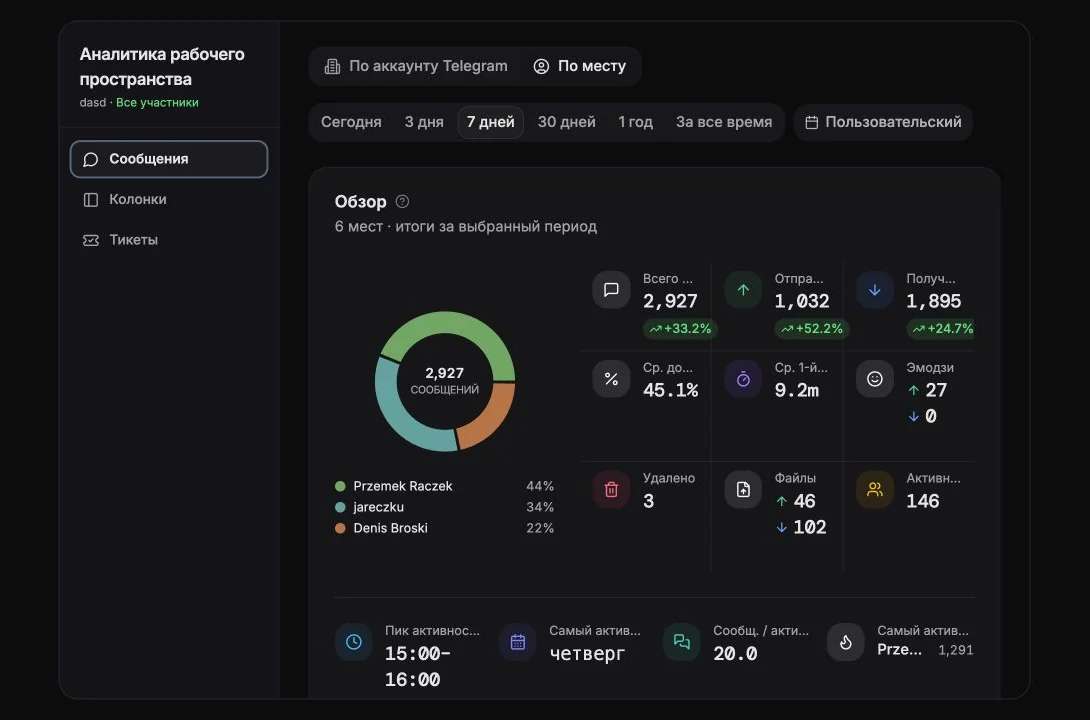
Что зависит от выбранного периода, а что нет
Заголовок раздела «Что зависит от выбранного периода, а что нет»Раздел сообщает об этом сразу, потому что это важно:
Игнорирует период: Field Coverage, Chats tagged, Untagged, Top column, это всегда весь Ваш список чатов на текущий момент. Учитывает период: Changes, Top taggers.
Поэтому неделя с «0 changes» не означает, что покрытие упало. Она означает, что за эту неделю никто ничего не размечал.
Ключевые показатели
Заголовок раздела «Ключевые показатели»| Показатель | Значение |
|---|---|
| Total Fields | Количество пользовательских колонок в текущем представлении |
| Average Coverage | Средний процент чатов с заполненным значением по всем полям |
| High Coverage | Поля, заполненные минимум в 75% чатов |
| Needs Attention | Поля, заполненные менее чем в 25% чатов |
| Members | Участники рабочего пространства, которые изменяли значения полей |
Needs Attention это то, с чем стоит работать. Поле с покрытием ниже 25% либо не нужно, либо никем не поддерживается. Решите, что именно, и либо удалите его, либо назначьте ответственного.
Field Coverage
Заголовок раздела «Field Coverage»По каждой колонке: как часто она заполнена и как распределяются значения.
- «
{filled}of{total}chats» с подсказкой, объясняющей подсчёт. - У колонок с множественным выбором подсказка длиннее: поскольку чат может содержать несколько значений, подсчёты по значениям пересекаются и в сумме дают больше, чем число размеченных чатов. Так и должно быть, это не ошибка.
- Top values по каждому полю, раскрываются через Show
{n}more.
Label usage
Заголовок раздела «Label usage»Кольцевая диаграмма и сопутствующие счётчики:
- Chats tagged / Untagged, «
{pct}% of chats tagged» - Top column, поле, применённое к наибольшему числу чатов
- Changes, значения пользовательских полей, добавленные, изменённые или очищенные за период
{used}of{total}columns carry data, то есть какая часть Вашей схемы лежит мёртвым грузом- Top taggers, по каждому участнику:
{created}new ·{edits}edits ·{n}cleared, вместе с Last active
Field Update Activity
Заголовок раздела «Field Update Activity»Тепловая карта того, когда обновляются значения пользовательских полей. Более тёмные ячейки означают больше обновлений; нажмите на ячейку, чтобы увидеть детали. Полезно, чтобы понять, происходит ли разметка по ходу работы или одним виноватым пакетом в пятницу вечером.
Top Chats by Field Completion
Заголовок раздела «Top Chats by Field Completion»Чаты с наибольшим числом заполненных полей, по доле заполнения. Дубликаты между участниками удаляются.
Recent Changes
Заголовок раздела «Recent Changes»Последние n обновлений значений полей: «Set to: {value}», «Removed: {value}», с указанием чата, поля и автора изменения.
В режиме рабочего пространства эта лента шире и включает не только правки полей, но и действия в Telegram и в рабочем пространстве: отправленные, изменённые и удалённые сообщения, реакции, пересылки, медиа, вступления и выходы участников, изменения ролей, предоставление и отзыв доступа к аккаунту, переподключение аккаунта, отправленные рассылки, комментарии, файлы, создание и удаление колонок, напоминания, события по тикетам и события API-ключей.
Member Activity
Заголовок раздела «Member Activity»Кто обновляет пользовательские поля: количество изменений полей, действий в Telegram и действий в рабочем пространстве по каждому участнику.
Пустые состояния
Заголовок раздела «Пустые состояния»| Сообщение | Значение |
|---|---|
| No Workspace Custom Fields | Колонок уровня рабочего пространства пока нет, создайте их в разделе чатов |
| No Custom Fields | Вы ещё не создали ни одного личного пользовательского поля |
| Select an account to view custom fields analytics | Выберите аккаунт в фильтре |
Практический регламент
Заголовок раздела «Практический регламент»Раз в месяц:
- Отсортируйте поля по покрытию. Всё, что ниже 25%, удалите или назначьте владельца.
- Проверьте
{used}of{total}columns carry data. Если это 4 из 11, Ваша таблица состоит в основном из шума. - Посмотрите на Top taggers. Если один человек делает 80% разметки, то процесса нет, есть только этот человек.
- Соберите представление Untagged на основе фильтра No custom fields и разберите его.
Cookie preferences
We respect your right to privacy. Choose which cookies to allow, your choice applies across our site. Cookie Policy
Required for the site to work, including remembering your privacy choices. Always on.
Help us understand site use and attribute sign-ups to referral partners. Optional.