Enviar una difusión segura y personalizada
Una difusión envía el mismo mensaje a muchos chats, personalizado para cada destinatario, desde sus propias cuentas de Telegram.
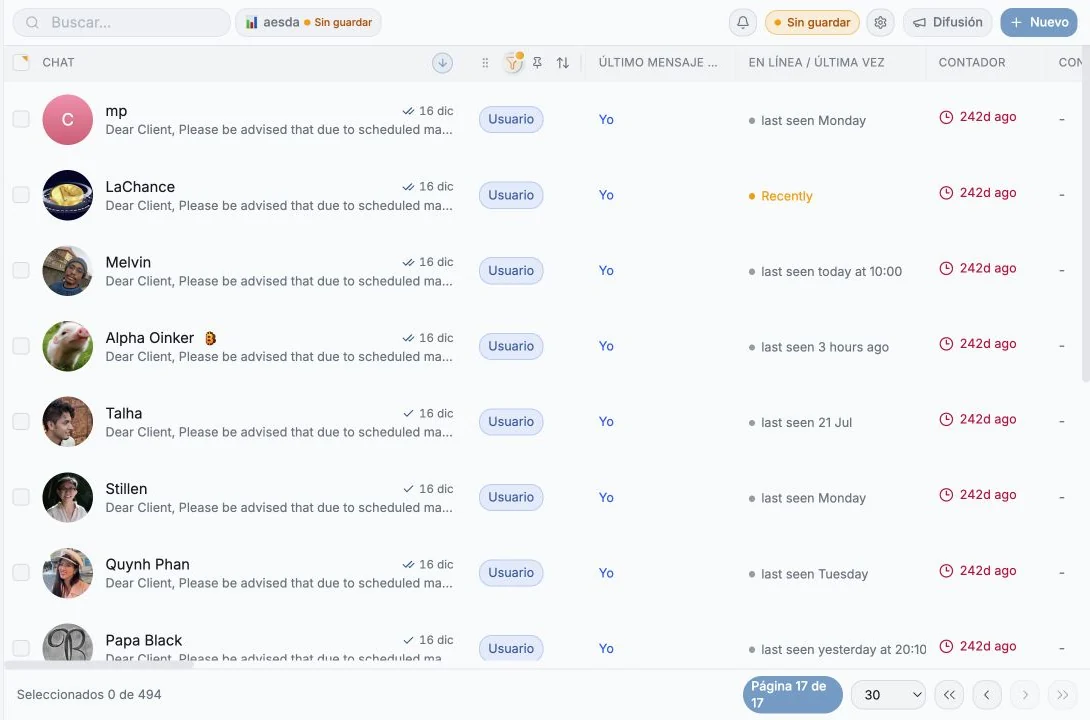
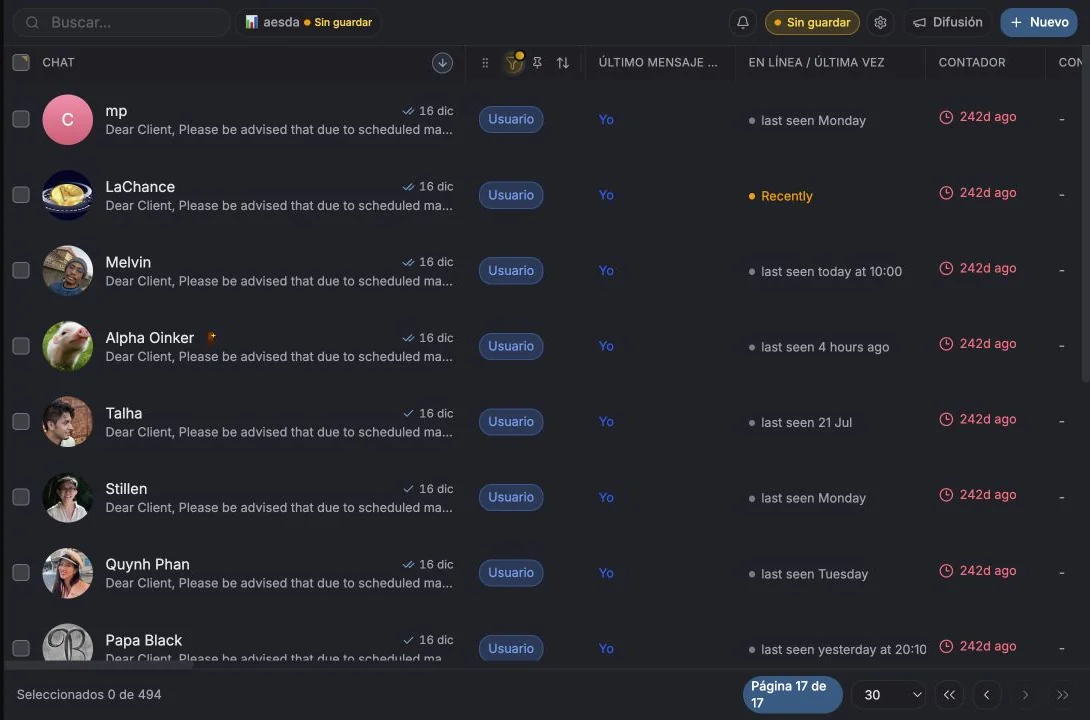
Enviar una difusión
Sección titulada «Enviar una difusión»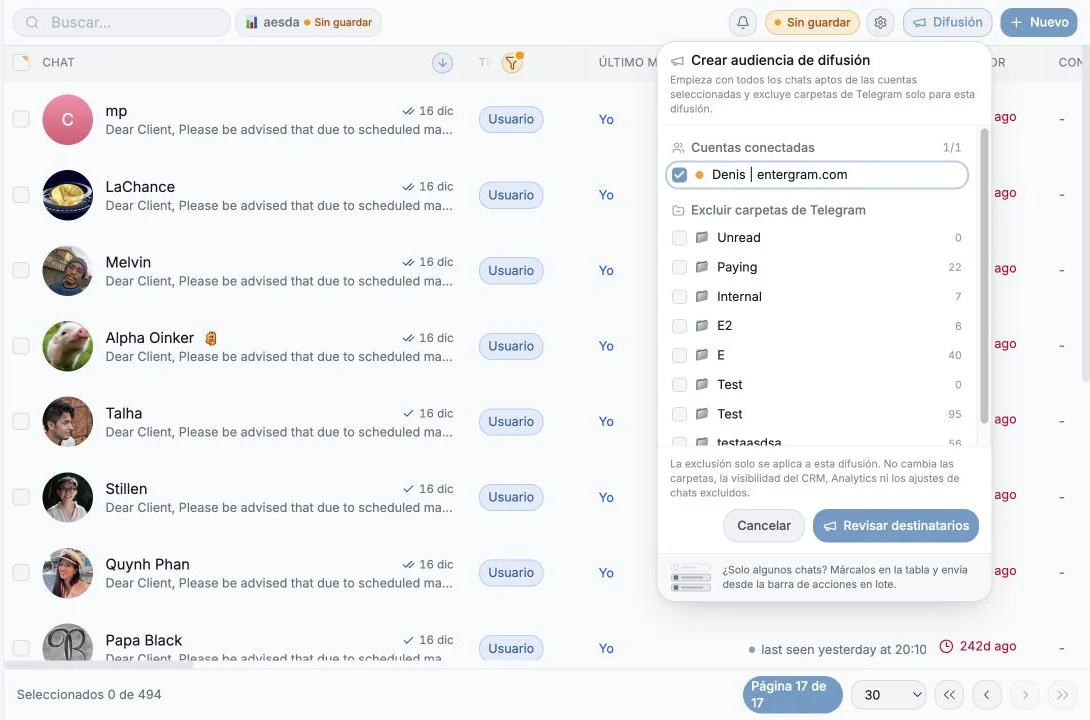
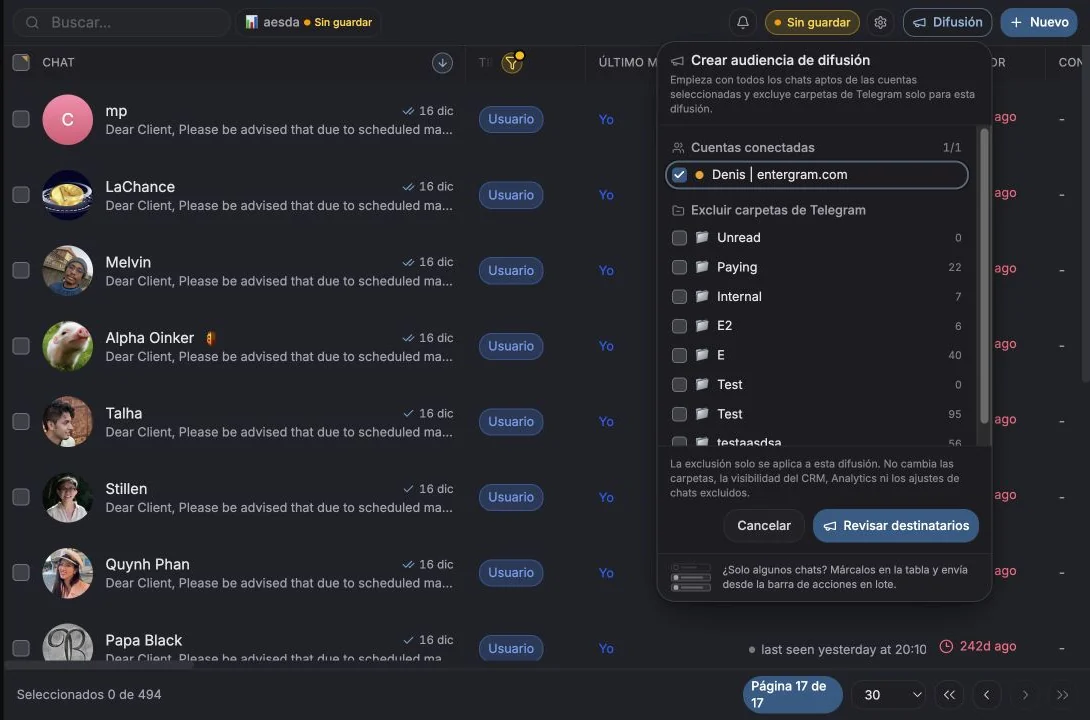
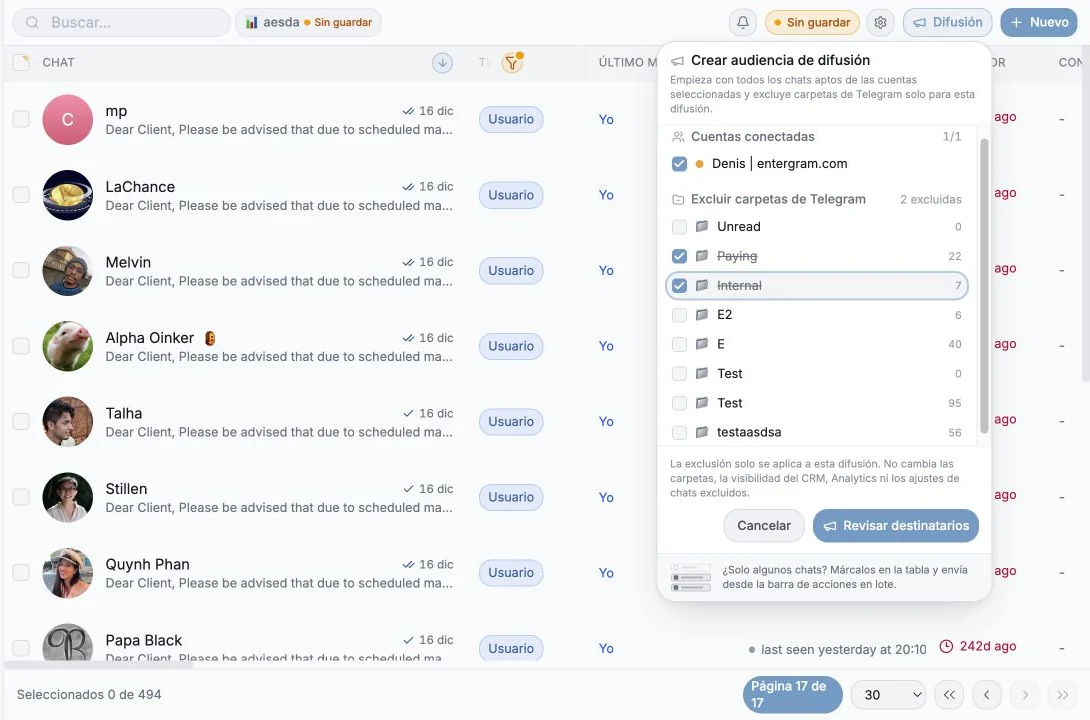
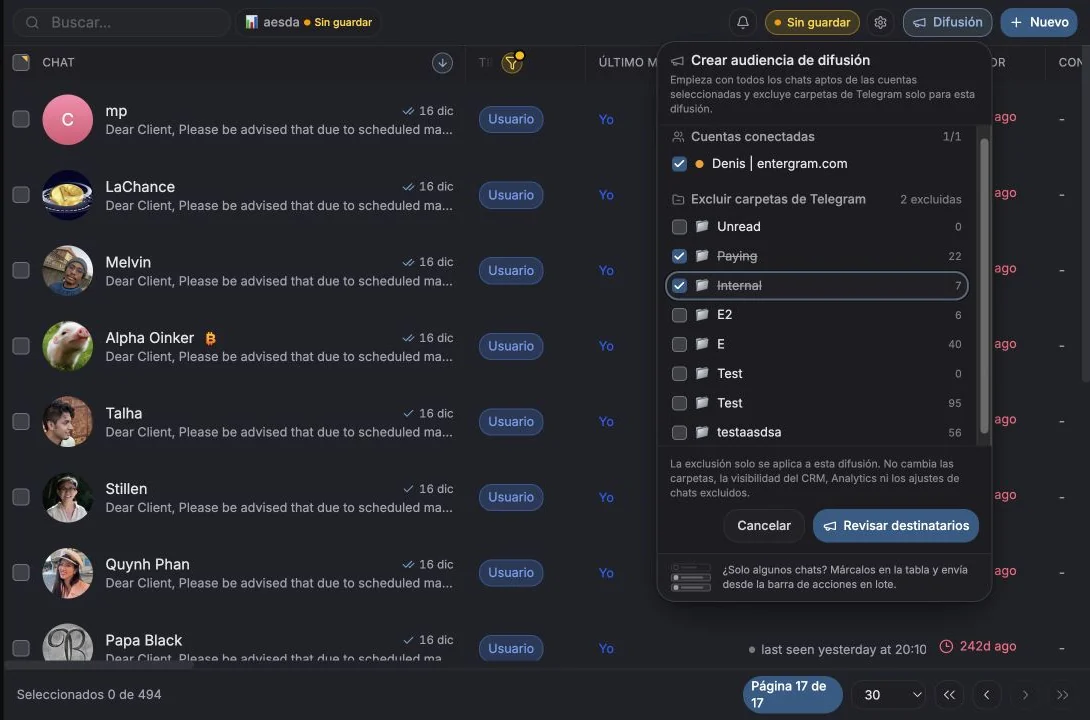
- En Mensajes, marque los chats a los que quiere llegar.
- Pulse Difusión en la barra de selección que aparece.
- Escriba su mensaje o elija una plantilla.
- Revise la Vista previa: elija un destinatario y vea el mensaje final con las variables resueltas.
- Pulse Enviar difusión.
El diálogo tiene dos pestañas: Redactar e Historial.
Cómo funciona el envío
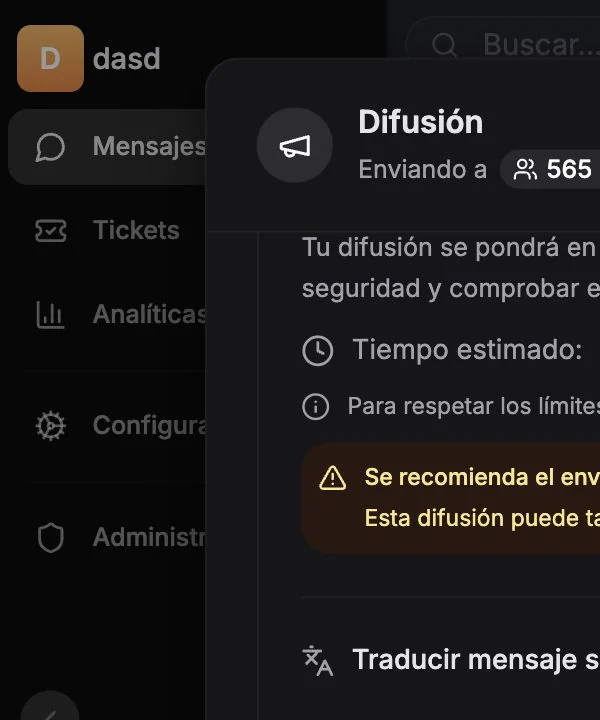
Sección titulada «Cómo funciona el envío»Las difusiones se ponen en cola en los servidores de Entergram y se envían en segundo plano: “Su difusión se pondrá en cola y se enviará en segundo plano. Puede cerrar el navegador con tranquilidad y consultar el progreso más tarde.” No necesita mantener la pestaña abierta, y la entrega continúa aunque cierre sesión.
Si ve “{n} de {total} cuentas seleccionadas necesitan la analítica conectada”, esa cuenta se conectó antes del flujo de backend actual. Vuelva a conectarla desde Configuración → Cuentas y la difusión podrá salir.
Límites de frecuencia y tiempos
Sección titulada «Límites de frecuencia y tiempos»Para mantenerse dentro de los límites de Telegram, los mensajes salen separados por un número fijo de segundos. El diálogo muestra un tiempo estimado (por ejemplo ~12-15 min) que se actualiza según el número de destinatarios, y un consejo: envíe en lotes de 20 para una mejor entrega.
No intente burlar el retardo. Es la razón por la que su cuenta sigue sana.
Personalizar con variables
Sección titulada «Personalizar con variables»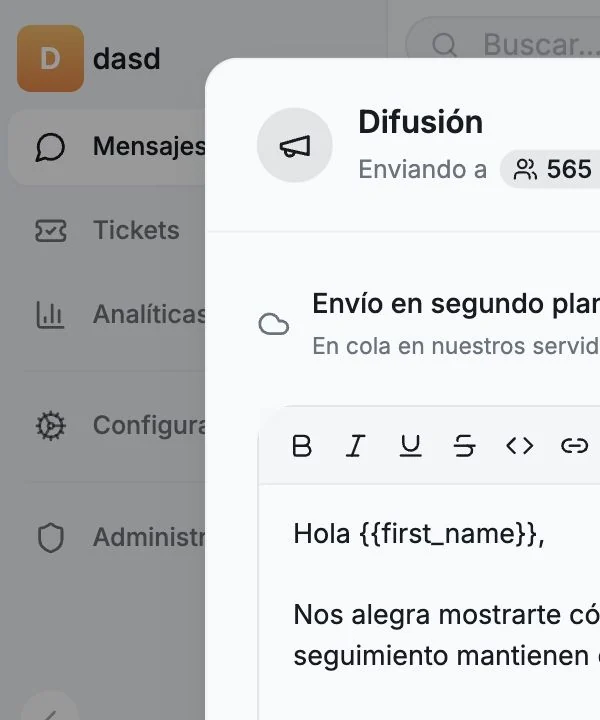
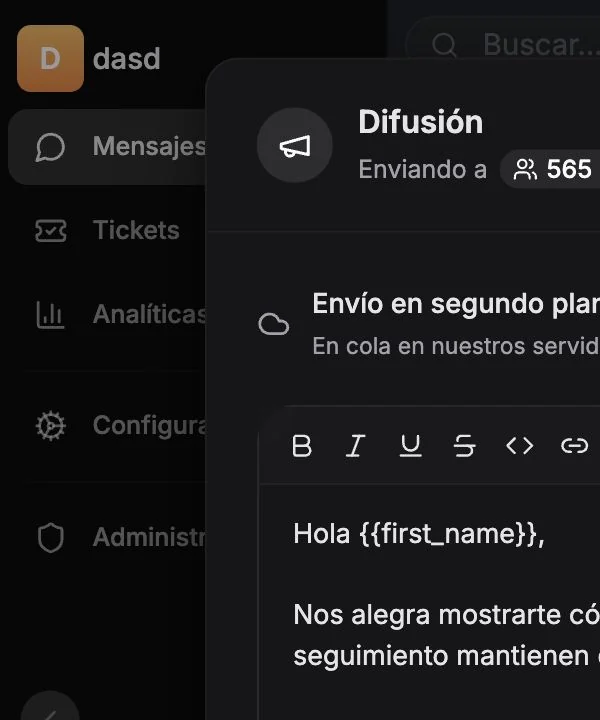
Pulse una variable para insertarla en el mensaje. Cada una se sustituye por los datos del propio destinatario justo antes de que salga el mensaje.
| Variable | Se convierte en | Valor por defecto |
|---|---|---|
{{chat_name}} | El nombre y los apellidos del contacto | En grupos y canales, el título del chat |
{{first_name}} | Solo el nombre | En grupos, la primera palabra del título |
{{username}} | El @alias del contacto, con la @ incluida | Vacío para grupos, canales y quien no tenga alias |
Reglas que importan:
- Siempre en minúsculas y siempre con llaves dobles.
{{Nombre}}o{nombre}se envían como texto literal. - Un valor que falta deja un hueco vacío; nunca escriba una frase que se rompa sin él.
- La vista previa muestra el mensaje final para un destinatario real. Cambie de destinatario para hacer comprobaciones al azar.
Entergram le avisa de forma proactiva, por ejemplo: “{{username}} se queda vacío para 12 de sus 40 destinatarios. Use {{first_name}} en su lugar, o quítelo de la frase.” y
“{n} de {total} destinatarios son grupos o canales, así que las variables de nombre recurren al título del chat.”
Adjuntos y traducción
Sección titulada «Adjuntos y traducción»- Adjunte fotos, vídeo, audio, documentos o notas de voz. Los límites se indican en pantalla (fotos hasta X; vídeo, audio y documentos hasta Y; voz hasta Z).
- Traducir mensaje saliente traduce el cuerpo al idioma de destino antes de enviarlo.
Seguir una difusión en marcha
Sección titulada «Seguir una difusión en marcha»Mientras se envía verá el progreso en vivo (Enviando {actual}/{total}, los que quedan y una estimación), además de Pausar, Reanudar y Cancelar.
Al cancelar se pregunta “¿Cancelar la difusión? Los destinatarios ya procesados conservan su resultado. A los restantes no se les enviará.”
Historial e interacción
Sección titulada «Historial e interacción»La pestaña Historial lista cada trabajo con:
- estado: en cola, enviando, pausado, completado, fallido o cancelado,
- progreso:
{procesados}/{total}procesados, entregados, fallidos, pendientes y omitidos, - una estimación mientras está en marcha,
- Borrar completadas para ordenar la lista.
Abra un trabajo para ver el embudo de interacción, desde los destinatarios objetivo hasta las respuestas:
| Métrica | Significado |
|---|---|
| Segmentados | Destinatarios para los que se creó el trabajo |
| Alcance | Porcentaje entregado |
| Abiertos | Porcentaje visto (donde Telegram ofrece un estado de lectura fiable) |
| Respondido | Porcentaje que respondió |
Las filas por destinatario muestran Entregado, Visto, Respondido, Pendiente, Omitido o Fallido, y puede filtrar por Sin respuesta para construir una lista de seguimiento. Abrir le lleva directamente a ese chat.
El estado Visto está disponible donde Telegram ofrece un estado de lectura fiable. Algunos tipos de chat nunca lo informan; un hueco en blanco no es un fallo.
Difundir desde un agente de IA
Sección titulada «Difundir desde un agente de IA»Si ha conectado un cliente MCP, puede pedirlo sin más:
“Envía nuestra promoción a todos los chats cuyo campo Nivel de cliente sea VIP.”
El agente aplica el filtro y ejecuta la difusión por usted. Vea Conectores MCP.
Lista de comprobación antes de un envío grande
Sección titulada «Lista de comprobación antes de un envío grande»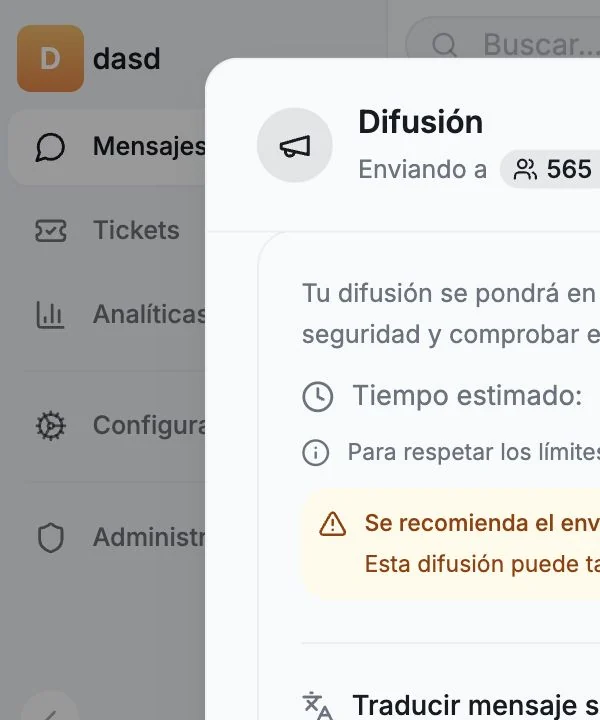
- Vista previa comprobada con al menos dos destinatarios reales
- Ninguna frase depende de
{{username}} - Lista de destinatarios revisada en Destinatarios (
{n}) - Empezado con un lote pequeño antes de la lista completa
Preferencias de cookies
Respetamos tu privacidad. Elige qué cookies permitir; tu elección se aplica en todo el sitio. Política de cookies
Imprescindibles para que el sitio funcione, incluido recordar tus preferencias de privacidad. Siempre activas.
Nos ayudan a entender el uso del sitio y atribuir registros a socios de referidos. Opcional.