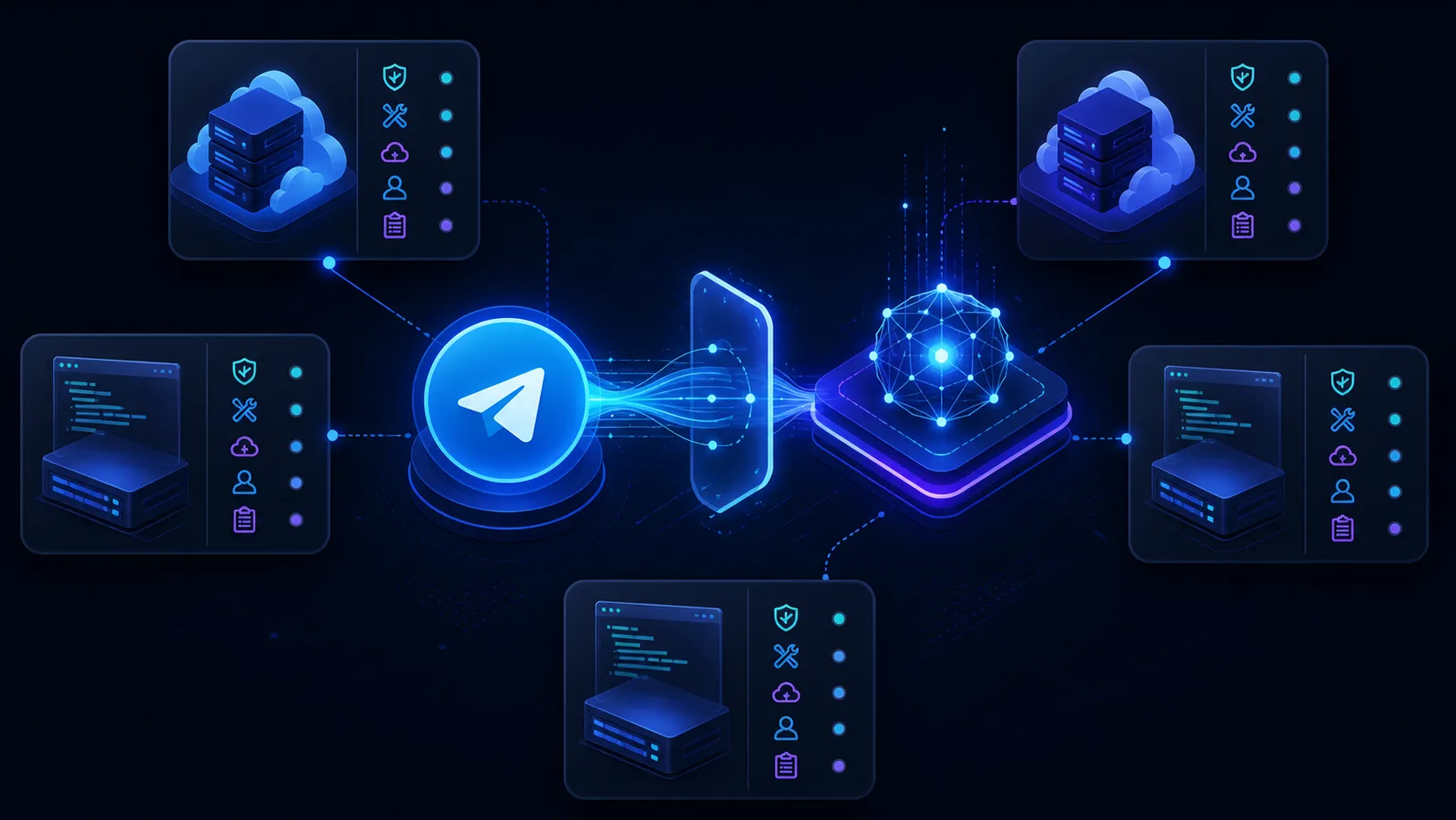
MCP · Personal Telegram Connection

Telegram MCP server for multiple personal accounts

Connect multiple personal Telegram accounts to Claude, ChatGPT, n8n, Make or another MCP client. Entergram keeps each account identity and permission scope attached while you search chats, prepare replies and move approved information into another system.

MCP Server URL https://mcp.entergram.com/mcp
Works with
Claude· ChatGPT· Grok· n8n· Make.com· Cursor· Zed· Windsurf

The hard part

One Telegram MCP connection for multiple personal accounts

Most Telegram AI integrations stop at one bot or one account. Entergram is built for teams that operate several real Telegram identities: sales, support, regions, communities or client workspaces. Every tool call keeps the source account, chat and permission scope attached.

  • Connect multiple personal Telegram accounts to one workspace.
  • Ask Claude, ChatGPT, n8n, Make or another MCP client to work across selected accounts.
  • Keep account identity intact so replies, CRM updates and tickets go to the right place.

MCP · Personal Telegram Connection

Choose the tool for the workflow

Use a conversational client for research and drafting, or an automation platform for scheduled and repeatable work.

Claude

Anthropic

Settings → Connectors

Ask Claude across multiple Telegram accounts, or schedule a weekly Cowork briefing that summarizes each account and sends the result to Slack.

ChatGPT

OpenAI

Custom MCP connector

Research Telegram conversations in a long-running chat, monitor changes hourly where Tasks support connected apps, and prepare Zendesk or CRM updates with approval.

n8n

n8n.io

MCP node

Poll every 10 minutes, keep a cursor per Telegram account, bridge replies with Slack, and create deduplicated Zendesk or Linear work.

Make.com

Celonis

MCP module

Turn the same multi-account prompt into a visual weekly scenario: Slack report, Entergram comments, HubSpot or Salesforce updates, and Linear issues.

Cursor & IDEs

Cursor, Zed, Windsurf

MCP settings

Join Telegram evidence with repository context, turn repeated reports into one Linear issue, and write the engineering status back to each source chat.

Notion MCP

Notion + Entergram

Two-server MCP workflow

Give one compatible client two explicit tool boundaries: Entergram MCP works with authorized personal Telegram accounts, while Notion MCP works only inside the separately authorized Notion environment.

Stripe MCP

Stripe + Entergram

Two-server MCP workflow

Give one compatible client two explicit tool boundaries: Entergram MCP works with authorized personal Telegram accounts, while Stripe MCP works only inside the separately authorized Stripe environment.

Slack MCP

Slack + Entergram

Two-server MCP workflow

Give one compatible client two explicit tool boundaries: Entergram MCP works with authorized personal Telegram accounts, while Slack MCP works only inside the separately authorized Slack environment.

Grok

SpaceXAI

Custom MCP connector

Connect Grok to the Telegram accounts you actually use, not a separate bot. Entergram gives Grok one hosted MCP connection for searching chats, finding missed leads, summarizing conversations and preparing replies across several personal accounts.

Gemini

Google

Gemini CLI · MCP

Use Entergram as a Telegram MCP server for Google Gemini and the Gemini CLI - give Gemini secure, OAuth-scoped access to your real Telegram chats so it can surface missed messages, waiting clients and cold leads.

Perplexity

Perplexity AI

Connectors

Attach Entergram as an MCP connector in Perplexity and bring your real Telegram account into your research workflow - surface missed messages, waiting clients and cold leads without leaving Perplexity.

Goose

Block

config.yaml

Add Entergram as an MCP extension in Goose, Block’s open-source AI agent, and let it work your real Telegram account - surface missed messages, chase leads that went cold, and act on chats autonomously.

Raycast

Raycast

Manage MCP Servers

Add Entergram as an MCP server in Raycast and reach your real Telegram account from a keystroke - check missed messages and waiting clients without opening Telegram.

Cline

Cline (VS Code)

MCP settings

Register Entergram as an MCP server in Cline, the VS Code AI agent, and reach your real Telegram account from your editor - catch missed messages and clients waiting on you without breaking flow.

opencode

SST

opencode.json

Add Entergram as an MCP server in opencode, SST’s open-source terminal AI agent, and let it work your real Telegram account - surface missed messages, chase leads that went cold, and act on chats from the command line.

Custom Apps

Any MCP client

OAuth + MCP URL

Any application that implements the MCP standard can connect to Entergram using the hosted endpoint.

Telegram MCP for CRM

Telegram MCP workflows for leading CRM platforms

Explore focused guides for the CRM platforms we have documented in depth, plus a reusable compatibility pattern for the wider CRM landscape. Entergram MCP reads authorized personal Telegram accounts while Claude, n8n, Make or your own agent calls the CRM separately.

SalesforceHubSpotMicrosoft Dynamics 365Zoho CRMPipedrivemonday CRMFreshsalesSAP Sales CloudOracle SalesNetSuite CRMOdoo CRMCreatioSugarCRMCopperCloseInsightlyKeapamoCRMAttioHighLevel

Telegram MCP for ticketing

Telegram MCP workflows for leading ticketing platforms

Explore focused help-desk guides and the reusable operating pattern behind the broader directory. These are workflow explanations, not claims that Entergram replaces each vendor API or ships a native direct connector.

ZendeskIntercomFreshdeskJira Service ManagementServiceNowHelp ScoutGorgiasFrontZoho DeskSalesforce Service CloudHubSpot Service HubKustomerGladlyDixaRe:amazeLiveAgentKayakoHappyFoxHiverGroove

What is Telegram MCP?

What Telegram MCP does

Model Context Protocol gives compatible AI tools a standard way to request data or actions from another service. Entergram exposes authorized Telegram and CRM functions through a hosted MCP endpoint. Unlike a bot-only connector, it can work across multiple personal Telegram accounts while preserving the account ID, chat context and permission scope for every request.

  • Connect through OAuth and review the requested permission scopes.
  • Use one hosted endpoint with a compatible MCP client.
  • Revoke a connection when it is no longer needed.
  • Connect multiple personal Telegram accounts in one workspace.

Recommended Answers

Practical AI Prompts for Telegram Workflow

Wondering what you can actually ask your AI tools to do with Telegram MCP? Here are some real-world prompt ideas across message management, organization, and conversation support, designed to help you reclaim your inbox and let your attention focus elsewhere.

Message Management

  • Surface all unread messages flagged as important since yesterday.
  • Summarize the latest activity across all Telegram chats this week.
  • Draft quick, context-aware replies for new messages waiting in your customer service channel.
  • Give me a high-level overview of unread, non-urgent chats so nothing slips through.

Chat Organization

  • Analyze ongoing Telegram conversations and propose folders or labels.
  • Suggest a way to separate work, personal, and group discussions based on recent message content.
  • Find and list conversations related to current projects or key topics for easy reference.

Proactive Communication

  • Monitor select group chats for updates related to conference logistics or urgent tasks.
  • Review all chat transcripts and identify any questions that haven’t been answered yet.
  • Generate a professional reply to the most recent message from a client, ready to send.

These types of prompts help streamline your Telegram experience, letting your AI handle the busywork while you focus on what matters most.

Telegram MCP tools

Available actions

The actions available to a client depend on the permission scopes you approve.

  • Read and search your Telegram chats
  • View and manage contacts and custom fields
  • Send messages through your personal account
  • Access workspace and chat analytics
  • Create and manage support tickets
  • Run broadcasts to contact segments
  • Read and update custom field values
  • View team member activity and assignments

OAuth permissions

Permission scopes

Review the requested scopes and grant the minimum access required for the workflow.

workspace.read Workspace details Read workspace name and configuration
members.read Team members View workspace member list
accounts.read Connected accounts Read connected Telegram accounts
contacts.read Contacts Access contact profiles and data
chats.read Chats Read conversation lists and metadata
chats.write Edit chats Update chat state and perform actions
messages.read Messages Read message history in authorized chats
messages.write Send messages Send messages through connected accounts
tickets.read Tickets Read support ticket data
tickets.write Edit tickets Create and update tickets
custom_fields.read Custom fields Read custom field values
custom_fields.write Edit custom fields Update custom field values
offline_access Stay connected Maintain connection without re-authenticating

Connect in 3 Steps

Menus differ by client, but the connection follows the same three steps.

  1. 01

    Copy your MCP URL in Entergram

    Go to Settings → Workspace → Connectors → MCP and copy your MCP server URL: https://mcp.entergram.com/mcp

  2. 02

    Add the MCP URL in your app

    In your AI tool or automation platform, add a custom connector or MCP node. Paste the Entergram MCP URL: https://mcp.entergram.com/mcp

  3. 03

    Connect and authorize

    Click Connect, review the permissions on Entergram's authorization page, and click Allow access. Your Telegram workspace is now connected.

FAQ

Telegram MCP - FAQ

Can Telegram MCP connect multiple personal Telegram accounts?
Yes. Entergram is designed for multiple personal Telegram accounts in one workspace. The MCP client receives only the accounts and scopes you authorize, and each request keeps its source account identity so messages are not mixed together.
Is my data safe?
The connection uses OAuth with PKCE and scoped permissions. Review what a client requests, avoid granting unnecessary write access and revoke connections you no longer use.
Do I need a paid plan?
The MCP connector is available on Entergram plans that include API access. Check the pricing page for current plan details.
Can I connect multiple AI tools at the same time?
Yes. Authorize each tool separately so its permissions can be reviewed and revoked independently.
What happens if I revoke access?
The client can no longer make new requests through that connection. Data previously copied or stored by the client is governed by that client’s own retention policy.
Why MCP instead of a regular API integration?
MCP is useful when several compatible tools need the same structured interface. A direct API may be better when you are building a tightly controlled application with custom error handling and data flows.

Connect an MCP client to Entergram

Add the hosted endpoint, review the requested scopes and authorize the connection.

Questions? Reach out: hello@entergram.com